


USB Mouse
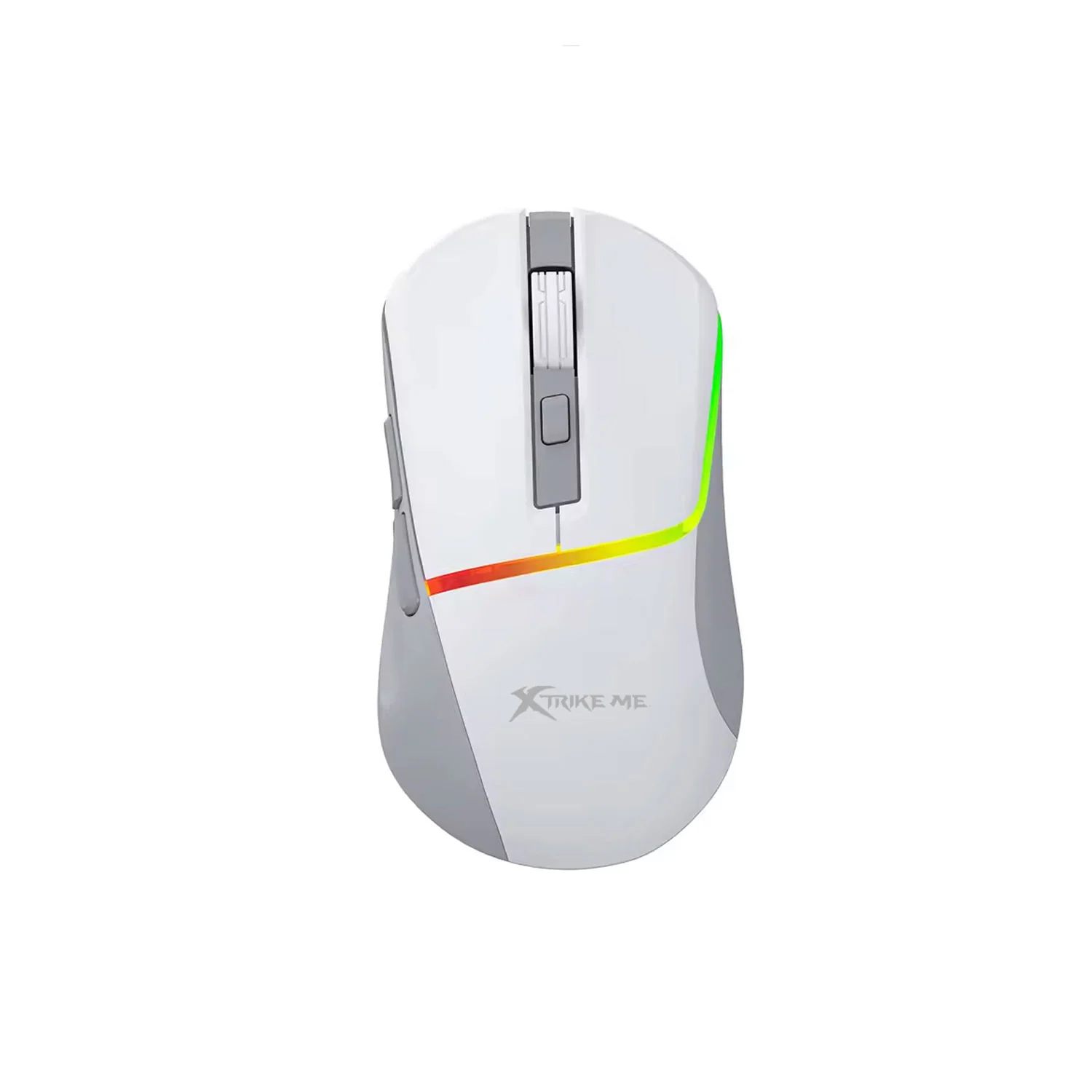
Features, Benefits, and Buying Guide
A USB mouse is a popular computer accessory that allows users to control the cursor, select files, scroll through documents, and navigate applications. It is widely used in homes, offices, schools, and gaming setups because it offers a convenient way to interact with a computer. USB mice are available in different designs, including wired, wireless, ergonomic, and gaming models, making it easy to find an option for different needs and budgets.
What Is a USB Mouse?
A USB mouse is a computer input device that connects through a Universal Serial Bus (USB) port. A wired USB mouse uses a cable to transmit movement and button inputs directly to the computer. A wireless USB mouse typically uses a small USB receiver to communicate with the device without a physical connection between the mouse and computer.
Most USB mice include left and right buttons and a scroll wheel. Some models also offer adjustable DPI, additional buttons, and specialized designs for greater comfort or gaming performance.
Types of USB Mouse
Different USB mouse models provide features for different users.
1. Wired USB Mouse
A wired USB mouse connects directly to a computer through a cable. It receives power from the USB port and does not require batteries or charging. This makes it a practical choice for office work, studying, browsing, and everyday computing.
2. Wireless USB Mouse
A wireless USB mouse uses a USB receiver to establish a wireless connection. It reduces cable clutter and allows greater freedom of movement. Before purchasing one, check that the receiver is compatible with your computer's available USB ports.
3. USB Gaming Mouse
A USB gaming mouse is designed for responsive control and precise tracking. Depending on the model, it may include adjustable DPI settings, programmable buttons, specialized sensors, and customizable lighting. Both wired and wireless gaming mice are available with USB connectivity options.
4. Ergonomic USB Mouse
An ergonomic USB mouse features a shape designed to provide a comfortable grip and support a more natural hand position. Options include curved designs and vertical mice for users who prefer an alternative to a traditional mouse shape.
Benefits of Using a USB Mouse
A USB mouse offers several practical advantages for everyday computer use.
- Easy setup: Many standard models work when connected to a compatible USB port.
- Reliable connectivity: Wired models provide a direct connection to the computer.
- Wide compatibility: Many USB mice work with supported Windows, macOS, and Linux devices.
- Affordable options: Basic models are available for everyday computing needs.
- Versatile designs: Users can choose from office, gaming, ergonomic, and compact models.
- Convenient controls: Buttons and a scroll wheel make navigation easier.
These features make a USB mouse a useful accessory for students, professionals, home users, and gamers.
Important Features to Consider
When choosing a USB mouse, consider the following features.
DPI sensitivity: DPI affects cursor movement speed. Adjustable settings can help you find a comfortable sensitivity level.
Connection type: Decide whether you prefer a wired mouse or a wireless model with a USB receiver.
Comfort and size: Choose a shape that fits your hand and supports comfortable use.
Sensor quality: Reliable tracking helps provide smooth and predictable cursor movement.
Additional buttons: Extra controls can provide shortcuts for browsing, productivity, or gaming.
USB compatibility: Check whether your computer has a suitable USB-A or USB-C port. Some mice may require an adapter.
How to Choose the Right USB Mouse
The best USB mouse depends on your daily activities and budget. For office work and general browsing, a basic wired mouse may be sufficient. Laptop users may prefer a compact wireless USB mouse for portability. Gamers should compare sensor performance, sensitivity settings, button layout, and responsiveness.
If you use a mouse for long periods, prioritize comfort and suitable sizing. You should also review product specifications, warranty coverage, and customer feedback before making a purchase.
Conclusion
A USB mouse is a practical computer accessory that provides convenient cursor control for work, study, entertainment, and gaming. With wired, wireless, ergonomic, and gaming options available, users can select a model that matches their requirements. By comparing connectivity, comfort, tracking performance, and useful features, you can choose a USB mouse that delivers reliable performance and good value.