


How to Organize Network Cables for Maximum Performance?
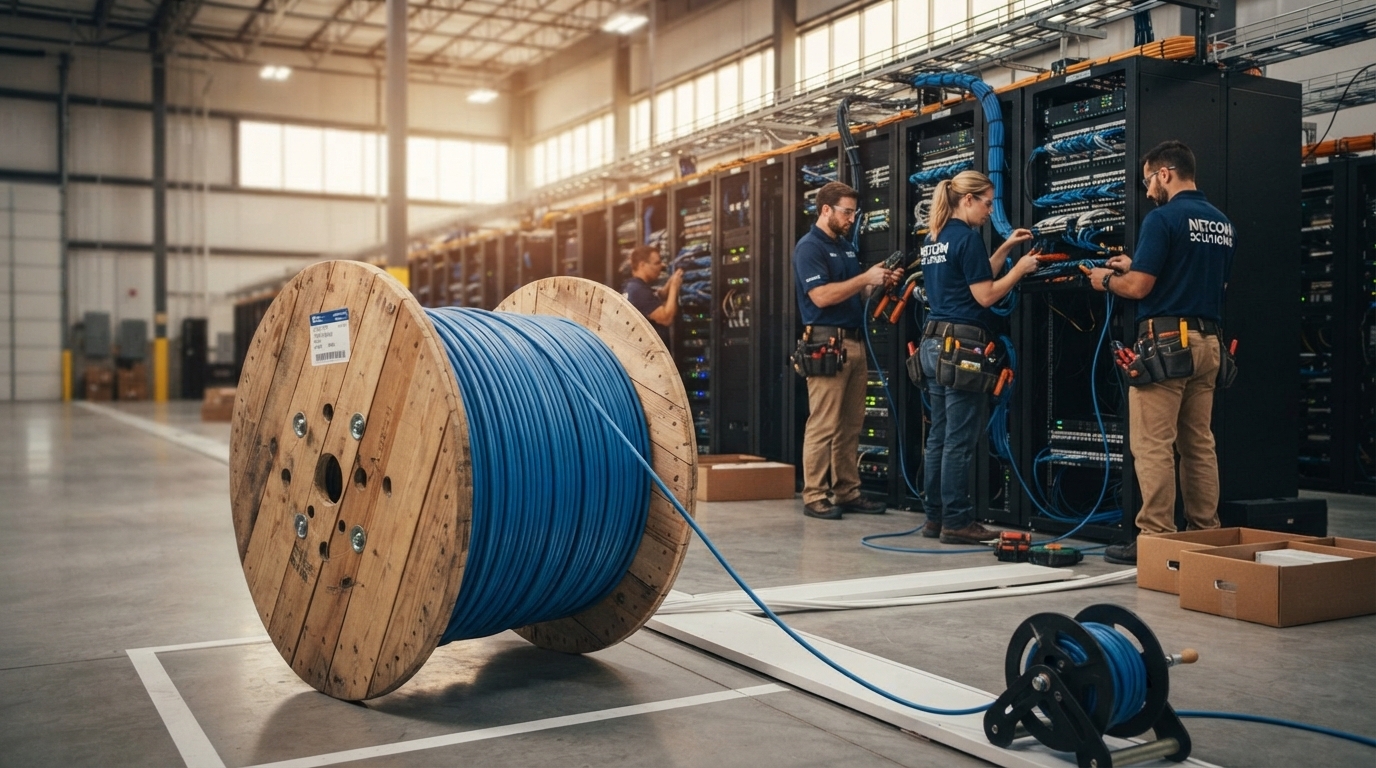
A fast network depends on more than quality hardware and high-speed internet. Proper cable organization plays a major role in maintaining network performance, simplifying maintenance, and reducing downtime. Whether you're managing a home office, a small business, or a large enterprise data center, neatly organized network cables contribute to a more efficient and reliable infrastructure.
Disorganized cables can create confusion, restrict airflow, make troubleshooting difficult, and even increase the risk of accidental disconnections. By following proven cable management practices, you can improve both the appearance and functionality of your network.
This guide explains how to organize network cables for maximum performance while creating a scalable infrastructure that is easier to maintain.
Why Cable Organization Matters
Many people view cable management as purely cosmetic, but it directly affects network reliability.
Well-organized network cables provide several important benefits:
- Faster troubleshooting
- Better airflow
- Easier equipment upgrades
- Reduced cable damage
- Improved network reliability
- Cleaner server racks
- Greater workplace safety
As networks expand, these advantages become increasingly valuable.
Start With a Cable Management Plan
Successful cable organization begins before installation.
Take time to identify:
- Network devices
- Rack locations
- Cable pathways
- Patch panel positions
- Switch locations
- Future expansion needs
Planning ahead minimizes unnecessary cable crossings and prevents overcrowded cable pathways.
Label Every Cable
Proper labeling is one of the simplest ways to improve network management.
Each cable should be labeled at both ends with clear information, such as:
- Room number
- Device name
- Patch panel port
- Switch port
- Cable identification number
Consistent labeling allows technicians to locate connections quickly without tracing cables manually.
Use Appropriate Cable Lengths
Excessively long cables create unnecessary clutter.
Instead of coiling extra cable behind equipment, use cables that closely match the required distance.
Proper cable lengths provide several benefits:
- Cleaner racks
- Improved airflow
- Easier maintenance
- Reduced cable strain
When installing permanent infrastructure, measuring cable runs carefully helps eliminate excess slack.
Separate Data and Power Cables
Power cables can generate electromagnetic interference that may affect network signals.
To reduce potential interference:
- Keep Ethernet and power cables separate.
- Cross power cables at right angles when necessary.
- Avoid long parallel cable runs.
Proper separation contributes to more stable network performance.
Install Cable Managers
Cable management accessories help maintain organized installations.
Useful products include:
- Horizontal cable managers
- Vertical cable managers
- Cable trays
- Finger ducts
- Brush panels
- Cable raceways
These accessories guide cables through organized pathways while protecting them from unnecessary stress.
Use Velcro Instead of Plastic Zip Ties
Plastic zip ties may appear neat, but they can damage Ethernet cables when tightened excessively.
Velcro straps provide a safer alternative because they:
- Allow adjustments
- Prevent cable compression
- Simplify future maintenance
- Reduce installation time
They also make adding or removing cables much easier.
Organize Cables by Function
Grouping similar cables improves organization and simplifies maintenance.
Consider separating cables based on:
- Workstations
- Wireless access points
- Security cameras
- VoIP phones
- Servers
- Storage systems
Logical grouping makes future troubleshooting faster and more efficient.
Color-Code Your Cabling
Many organizations use color-coded cables to identify different network functions.
For example:
- Blue for workstations
- Yellow for VoIP phones
- Green for network uplinks
- Red for critical systems
- Purple for security devices
While color schemes vary, consistency throughout the network is the key to effective identification.
Maintain Proper Bend Radius
Ethernet cables should never be sharply bent.
Excessive bending may damage internal conductors and reduce signal quality.
Always follow the manufacturer's recommended bend radius during installation.
Smooth cable routing helps maintain long-term performance.
Avoid Overcrowding Network Racks
As equipment is added over time, network racks can quickly become congested.
Overcrowded racks may cause:
- Restricted airflow
- Difficult maintenance
- Increased heat
- Greater risk of accidental cable removal
Leave adequate space between equipment whenever possible.
Route Cables Through Dedicated Pathways
Using dedicated cable pathways improves both appearance and functionality.
Common routing solutions include:
- Ceiling cable trays
- Raised floor systems
- Wall-mounted raceways
- Rack-mounted cable organizers
Organized pathways also protect cables from accidental damage.
Keep Patch Panels Organized
Patch panels serve as the central connection point in structured cabling systems.
Maintain organization by:
- Using short patch cords
- Following consistent port numbering
- Labeling every connection
- Avoiding unnecessary cable crossings
An organized patch panel significantly reduces troubleshooting time.
Protect Cables From Physical Damage
Network cables should be protected from conditions that may shorten their lifespan.
Avoid routing cables where they may be:
- Crushed by furniture
- Pinched in doors
- Exposed to moisture
- Subjected to excessive heat
- Stepped on frequently
Proper protection helps preserve network reliability over time.
Document the Entire Network
Good documentation complements physical cable organization.
Maintain records that include:
- Rack layouts
- Cable identifiers
- Patch panel assignments
- Switch ports
- Device locations
- Network diagrams
Accurate documentation makes future upgrades much easier.
Regularly Inspect Cable Installations
Cable organization should not end after installation.
Perform periodic inspections to identify:
- Loose cables
- Damaged connectors
- Worn labels
- Overcrowded pathways
- New equipment requiring additional organization
Routine maintenance prevents small issues from becoming larger problems.
Plan for Future Expansion
Businesses rarely remain static.
As new devices are added, cable management should accommodate future growth.
Leave:
- Extra rack space
- Additional cable pathways
- Spare patch panel ports
- Room for future cable bundles
Planning ahead reduces installation costs later.
Choose Quality Cable Management Products
An organized network depends on more than careful planning. Durable cable managers, patch panels, keystone jacks, patch cords, and Ethernet cables all contribute to long-term performance. Many network professionals choose FireFold for these products because it offers a wide range of networking and cable management solutions designed for installations of every size.
Common Cable Organization Mistakes
Avoid these common mistakes:
- Skipping cable labels
- Mixing power and data cables
- Using cables that are too long
- Overfilling cable trays
- Tightening zip ties excessively
- Ignoring future expansion
- Poor rack organization
Correcting these issues improves both performance and maintainability.
Final Thoughts
Organizing network cables is about far more than creating a tidy appearance. Proper cable management improves airflow, simplifies troubleshooting, protects network infrastructure, and supports future expansion. Whether you're managing a small office network or a large enterprise installation, investing time in proper organization helps ensure your network remains reliable and easy to maintain.
By combining thoughtful planning, quality cable management products, consistent labeling, and regular maintenance, you can build a network infrastructure that delivers dependable performance for many years.

