


How to Build a Reliable IPTV Setup for Smooth Streaming at Home
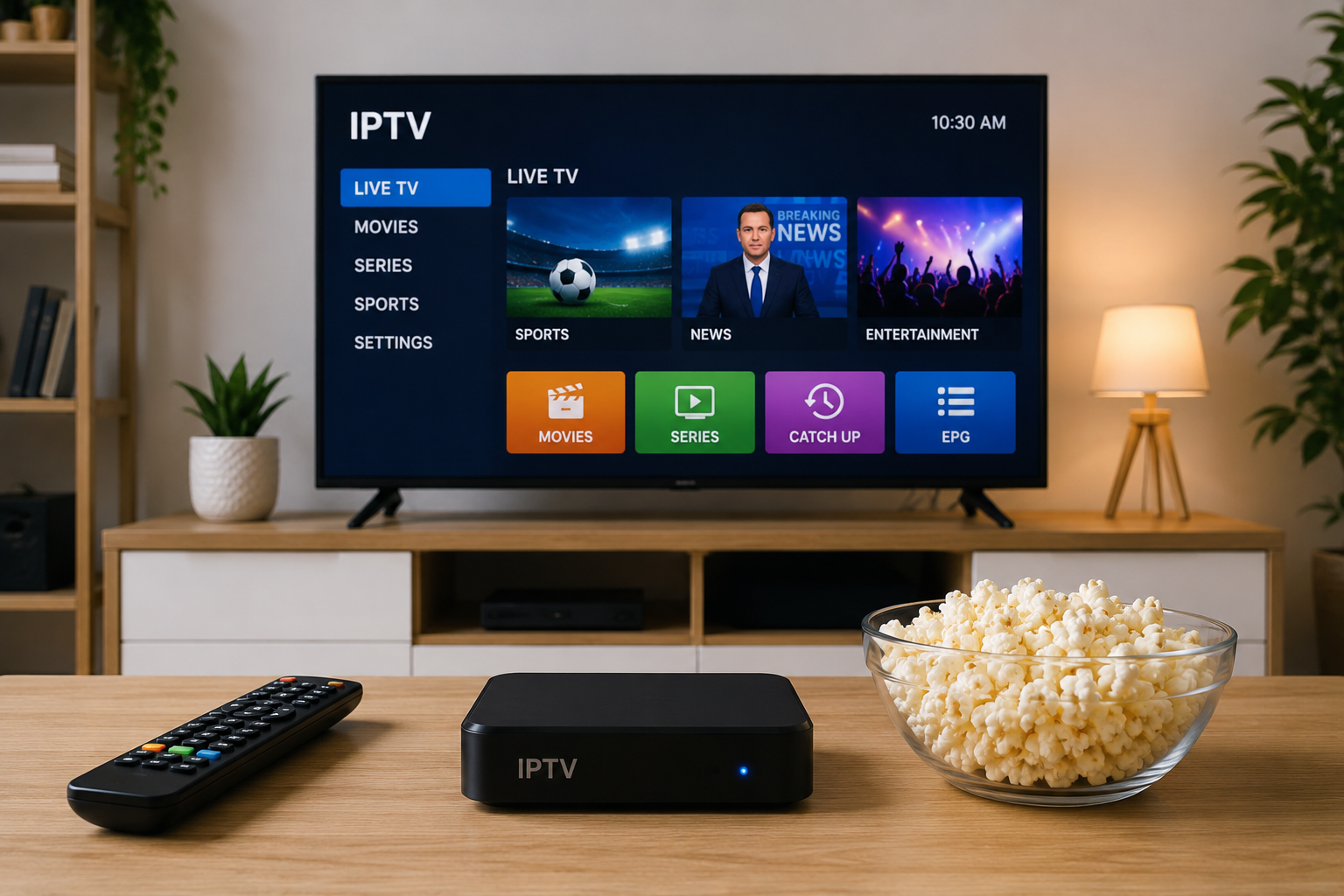
IPTV has changed the way many people access television because it delivers video through an internet connection rather than relying on traditional terrestrial, cable, or satellite broadcasting. This gives viewers more flexibility over the devices they use and where they watch.
However, the quality of an IPTV experience depends on more than simply choosing a subscription. Internet stability, network configuration, device performance, application compatibility, and video settings can all influence how smoothly content plays.
Understanding these factors can help viewers create a more reliable setup and avoid common problems such as buffering, freezing, slow channel loading, or poor picture quality.
Understanding How IPTV Streaming Works
IPTV stands for Internet Protocol Television. Instead of receiving television signals through an antenna or satellite dish, compatible devices receive video streams through an internet connection.
A typical IPTV setup involves several components:
- An internet connection
- A router or network connection
- A compatible Smart TV, streaming device, computer, smartphone, tablet, or IPTV box
- An IPTV player or compatible application
- Access details supplied by an IPTV service
When these components work together correctly, the device requests a stream and displays it through the chosen player.
Because the stream depends on an active network connection, internet stability is one of the most important factors affecting performance.
Start With a Stable Internet Connection
Many people focus entirely on download speed when troubleshooting IPTV. Speed matters, but consistency can be just as important.
A connection that regularly changes between fast and slow speeds may produce a less reliable viewing experience than a connection with slightly lower but consistent performance.
Test Your Connection Before Changing Equipment
Run several internet speed tests at different times of the day. Testing only once may not reveal temporary congestion or Wi-Fi problems.
Pay attention to:
- Download speed
- Latency
- Connection stability
- Packet loss
- Differences between Wi-Fi and Ethernet performance
If streaming problems occur mainly during busy evening hours, network congestion may be contributing to the issue.
Ethernet Can Improve Connection Stability
Wi-Fi is convenient because it allows devices to connect without cables, but wireless networks are affected by walls, distance, interference, and the number of connected devices.
When practical, connecting the main streaming device directly to the router with an Ethernet cable can provide a more consistent connection.
Ethernet is particularly useful for televisions and IPTV boxes that remain in the same location.
When Wi-Fi Is the Better Option
Running Ethernet cables through a home is not always practical. A properly configured wireless network can still work well for streaming.
If using Wi-Fi:
- Position the router in an open area
- Avoid placing it inside cabinets
- Reduce the number of walls between the router and streaming device
- Keep the router away from major sources of wireless interference
- Consider newer Wi-Fi standards if your existing equipment is outdated
Moving a router even a few meters can sometimes significantly improve wireless performance.
Choose a Suitable IPTV Device
One advantage of IPTV is that it can work across different categories of internet-connected devices when supported by the chosen service and player.
Common choices include:
Smart TVs
Modern Smart TVs can often run IPTV player applications directly. This creates a simple setup because no additional box is required.
However, app availability varies between TV manufacturers and operating systems.
Streaming Devices
Dedicated streaming devices can be useful when a television's built-in operating system has limited application support or feels slow.
They can also make it easier to update or replace the streaming platform without replacing the television.
IPTV Boxes
Dedicated IPTV boxes are another option for viewers who prefer a device designed primarily around television and streaming.
The important consideration is compatibility rather than simply choosing the most expensive hardware.
Computers, Phones and Tablets
IPTV players are also available for many computers and mobile devices. These devices can be useful for testing a connection or watching away from the main television.
Select the Right IPTV Player
An IPTV provider and an IPTV player are not necessarily the same thing.
The service provides access information and streams, while the player is the application used to organize and display those streams.
Depending on the service, access may be configured through methods such as:
- Account credentials
- Portal-based login
- Playlist URLs
- M3U or M3U8 playlists
- Electronic Program Guide data
Before installing an application, check that it supports the format provided by your IPTV service.
For people comparing services aimed at Swedish and Nordic viewers, MONSTER IPTV is one example that can be assessed alongside factors such as device compatibility, installation requirements, subscription structure, support information, and available viewing options.
Understand the Role of an EPG
An Electronic Program Guide, commonly called an EPG, organizes scheduled television programming into a familiar guide.
Instead of browsing only through channel names, an EPG may display information such as:
- Current programs
- Upcoming programs
- Start and end times
- Program titles
- Schedule information
Whether an EPG is available and how much information it contains depends on the service and the player being used.
Correct date, time, and regional settings on the device are also important because incorrect settings can cause guide information to appear at the wrong time.
Why IPTV Buffering Happens
Buffering is one of the most common streaming complaints, but it does not have a single cause.
Possible causes include:
Network Congestion
Multiple people downloading files, gaming, making video calls, or streaming high-resolution content can compete for bandwidth.
Testing IPTV while other heavy internet activity is paused can help identify whether local network congestion is responsible.
Weak Wi-Fi
If the television has a weak wireless signal, video data may not arrive consistently.
Testing temporarily with Ethernet can help determine whether Wi-Fi is the problem.
Device Performance
Older Smart TVs, streaming sticks, and boxes may have limited processing power or memory.
Closing unnecessary applications and restarting the device can sometimes improve performance.
Application Problems
An outdated or poorly configured IPTV application can also create playback problems.
Check for application updates and confirm that the application is compatible with the device.
Problems Outside Your Home Network
Not every buffering issue originates inside the home. Problems can also occur elsewhere between the content source, internet provider, and viewer.
Testing different channels or content can help identify whether an issue affects everything or only one stream.
Keep Your IPTV Software Updated
Streaming applications and device operating systems are regularly updated to improve compatibility, security, and performance.
Check periodically for updates to:
- IPTV applications
- Smart TV firmware
- Streaming device software
- Router firmware
- Operating systems
Updates should normally be obtained through the manufacturer's official update system or a trusted application store.
Avoid downloading modified IPTV applications from unknown websites because unofficial software may introduce security and privacy risks.
Improve Home Network Performance
A few basic network practices can make IPTV streaming more dependable.
Restart Equipment When Necessary
Routers and streaming devices occasionally develop temporary network or memory problems. Restarting them can clear these issues.
Avoid Unnecessary Background Downloads
Large downloads, cloud backups, game updates, and other high-bandwidth activities can reduce the bandwidth available for television streaming.
Check Router Placement
For Wi-Fi connections, place the router as centrally as possible and avoid surrounding it with large metal objects or electronic equipment.
Use Modern Networking Hardware When Appropriate
An old router can become a bottleneck even when the broadband connection itself is fast.
Before replacing equipment, test the connection directly to determine whether the router is actually limiting performance.
Match Video Quality to Your Connection
Higher video resolution generally requires more data.
A connection capable of handling standard HD content may struggle when several devices simultaneously stream higher-resolution video.
Instead of automatically selecting the highest available quality, choose a resolution that your connection and device can handle consistently.
Stable playback usually provides a better viewing experience than repeatedly switching between high resolution and buffering.
Security Should Be Part of the Setup
IPTV devices are connected to the internet, so the same basic security practices used with other connected devices should apply.
Use:
- Strong Wi-Fi passwords
- Updated router firmware
- Current device software
- Trusted application sources
- Unique account passwords where possible
Be cautious about installing unknown applications or entering account information into unofficial websites.
A Simple IPTV Troubleshooting Checklist
When IPTV is not performing correctly, troubleshoot systematically rather than changing many settings simultaneously.
Step 1: Test the Internet
Check whether other streaming services and websites are working normally.
Step 2: Restart the Device
Restart the IPTV application and the streaming device.
Step 3: Test Ethernet
If currently using Wi-Fi, temporarily connect with Ethernet where possible.
Step 4: Test Different Content
Determine whether the problem affects one channel, several channels, or the entire service.
Step 5: Check for Updates
Update the IPTV player and device operating system.
Step 6: Review Network Activity
Pause large downloads and other high-bandwidth activities.
Step 7: Contact Support
If the problem continues, provide useful details such as the device model, application name, connection type, and description of the issue. This gives technical support more information to diagnose the problem.
Final Thoughts
A reliable IPTV experience depends on the complete streaming environment rather than one individual component.
A strong internet connection, properly positioned router, compatible device, suitable IPTV player, current software, and sensible video settings all contribute to smoother viewing.
Before choosing or changing an IPTV service, users should evaluate compatibility with their existing devices, setup requirements, customer support options, subscription conditions, and the technical information provided by the service.
Spending a little time optimizing the home network and understanding how the different components interact can prevent many common IPTV problems and create a more consistent streaming experience.

