


How to Build a Reliable IPTV Setup for Smooth Streaming at Home
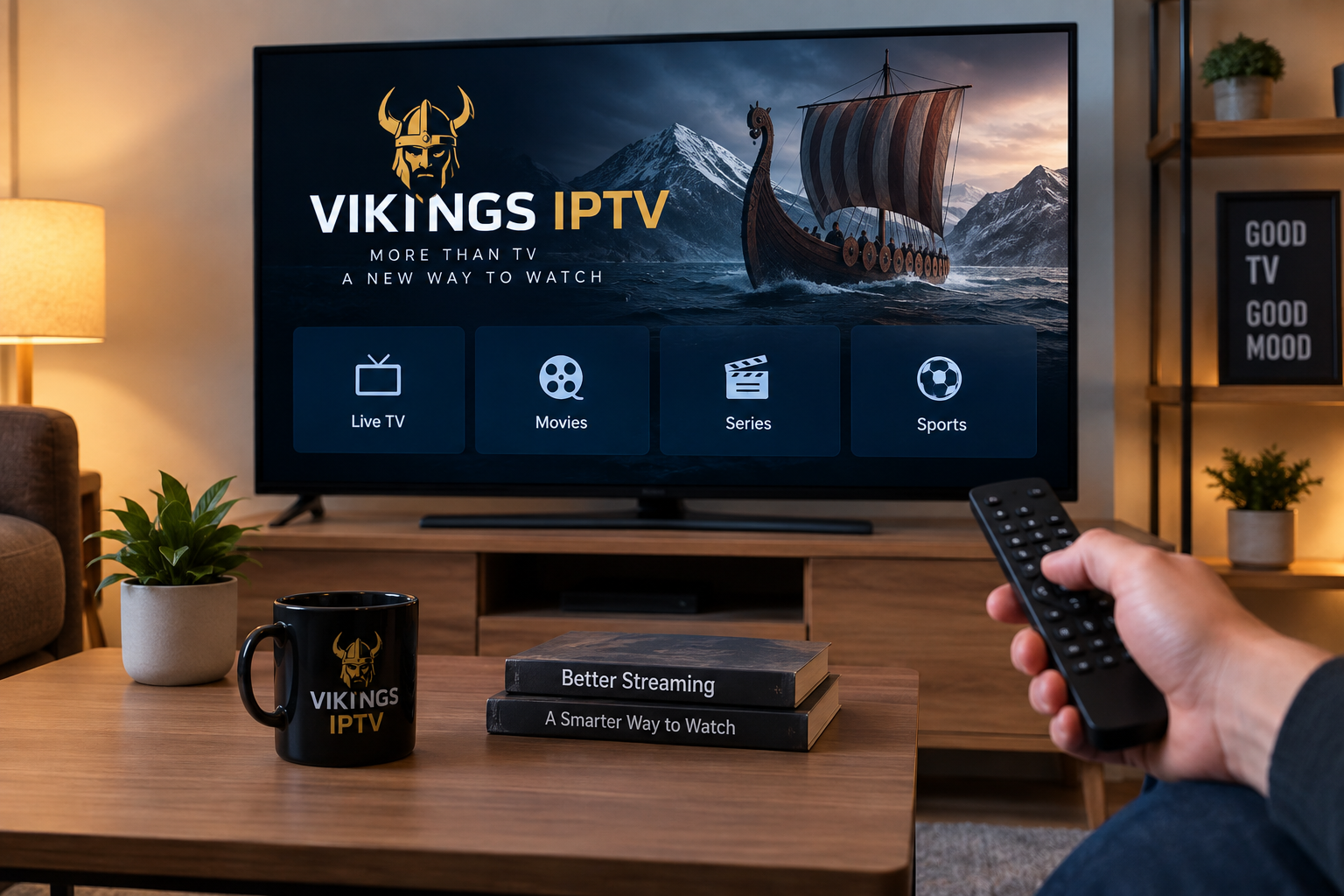
Internet-based television has changed how people watch live channels, sports, movies, and on-demand entertainment. Instead of relying only on traditional cable or satellite connections, IPTV delivers television content through an internet connection and can work across Smart TVs, streaming boxes, computers, tablets, and smartphones.
However, the quality of an IPTV experience depends on more than simply installing an app. Your internet connection, home network, streaming device, IPTV player, and configuration can all influence how smoothly content plays.
Understanding these factors makes it easier to build a reliable IPTV setup and avoid common problems such as buffering, slow channel changes, frozen pictures, and app crashes.
Start With a Stable Internet Connection
A reliable internet connection is the foundation of IPTV streaming. Video is transmitted continuously, so temporary drops in connection quality can interrupt playback even when your advertised broadband speed appears sufficient.
Streaming higher-resolution video generally requires more bandwidth than standard-definition content. At the same time, other devices in the household may be downloading files, gaming, making video calls, or streaming from other services.
For this reason, users should consider both internet speed and connection stability.
Ethernet Is Often the Most Reliable Option
When possible, connecting a television or streaming device directly to the router through an Ethernet cable can provide a more consistent connection.
A wired connection reduces many of the problems associated with Wi-Fi, including:
- Signal interference
- Distance from the router
- Thick walls and floors
- Congested wireless channels
- Multiple connected devices
Wi-Fi can still work very well, particularly with modern routers, but Ethernet is worth considering for a television that remains permanently in one location.
Improve Wi-Fi Before Blaming the IPTV App
Buffering does not automatically mean that the IPTV application or service is responsible.
If a device uses Wi-Fi, check its position relative to the router. Moving the router into a more central location may improve coverage. Connecting compatible devices to a less congested Wi-Fi band can also help.
Running a speed test on the actual streaming device, rather than another computer elsewhere in the house, provides a more realistic picture of its connection quality.
Choose the Right Device for IPTV
IPTV can be used on many types of hardware, but the experience varies depending on the device.
Smart TVs
A Smart TV can provide one of the simplest setups because no separate streaming box may be required.
Depending on the television's operating system, users can install a compatible IPTV player directly from the TV's application store. Samsung, LG, Android TV, and Google TV devices each have different application ecosystems, so availability should always be checked before choosing a player.
Older televisions may have slower processors or limited memory. If an IPTV application becomes sluggish or frequently closes, an external streaming device can sometimes provide a smoother experience.
Android TV and Google TV Devices
Android-based streaming devices are popular because they support a wide range of media applications.
A typical setup involves installing a compatible IPTV player, entering account or playlist information supplied by an authorized provider, and organizing channels through the application's interface.
Keeping Android TV applications and system software updated can help maintain compatibility and stability.
Apple TV
Apple TV is another option for IPTV streaming when a compatible application is available through Apple's App Store.
The setup process varies by application, but users normally add their playlist or account information after installing the player.
People already using iPhones, iPads, and other Apple devices may appreciate having their television experience within the same ecosystem.
Computers, Phones, and Tablets
IPTV is not limited to televisions.
Windows computers, Macs, Android phones, iPhones, tablets, and other supported devices can also run compatible streaming applications. Mobile access is particularly useful when users want to watch television away from the main TV, provided their subscription and content rights permit such use.
Understand the Difference Between an IPTV Service and IPTV Player
One common source of confusion is the difference between the service and the application used to watch it.
An IPTV player is normally the software interface. It may organize live channels, categories, electronic program guide information, favorites, movies, and other available content.
The player itself does not necessarily provide television channels.
The IPTV service supplies the account, server access, playlist, or other login information that the player uses.
When comparing options for a Nordic or Swedish household, users may encounter services such as VIKING IPTV while researching IPTV subscriptions, compatible devices, channel categories, and installation methods.
Regardless of the provider selected, users should confirm that the service has appropriate rights to distribute the content they intend to watch.
M3U Playlists and Login Methods Explained
Different IPTV applications support different login methods.
M3U Playlists
An M3U playlist is essentially a structured file or URL containing information that a compatible media player can use to locate available streams.
Users may receive an M3U URL from their IPTV provider and enter it into a supported application.
These links should be treated as private information. A personalized playlist URL can contain credentials or identifiers, so publishing it on forums, social media, or public websites may expose the account.
Account-Based Login
Some IPTV players allow users to enter information such as:
- Username
- Password
- Server or portal address
This can be more convenient than entering a long playlist URL manually, particularly when using a television remote control.
Only enter credentials into applications obtained from trusted sources.
Why IPTV Buffers and How to Troubleshoot It
Buffering is one of the most common streaming complaints, but there is rarely a single cause.
If playback repeatedly stops, troubleshooting should begin with the local network.
Restart the Network Equipment
Restarting the router and streaming device can clear temporary connection problems.
After restarting, test IPTV again before changing additional settings. Making several changes simultaneously makes it difficult to identify what actually solved the problem.
Test Another Connection
If possible, temporarily connect the device using Ethernet.
If buffering disappears, the Wi-Fi network is probably contributing to the problem.
Users can also compare performance on another device connected to the same network. If every device experiences similar issues, the internet connection or service may require further investigation.
Close Background Applications
Streaming devices have limited processing power and memory.
Running several applications simultaneously may reduce performance. Closing unused apps and restarting the IPTV player can help, particularly on older Smart TVs and inexpensive streaming devices.
Keep the IPTV Player Updated
Application developers frequently release updates for compatibility, security, and performance.
An outdated IPTV app may behave differently after operating-system updates or changes to the streaming platform.
Install updates through the device's official application store whenever possible.
Use the Electronic Program Guide Effectively
An Electronic Program Guide, commonly called an EPG, helps organize live television.
Instead of seeing only channel names, a properly configured EPG can show information such as current programs and upcoming broadcasts.
EPG availability and accuracy depend on the service and player being used. If the guide appears empty, refreshing the application's playlist or EPG data may resolve the problem.
Users should also check the device's date, time, and time-zone settings because incorrect settings can cause program schedules to appear at the wrong time.
Keep Your Streaming Setup Secure
Convenience should not replace basic digital security.
Download IPTV applications from official or reputable sources whenever possible. Random APK files and unofficial downloads may contain modified software or unwanted code.
Users should also protect their IPTV credentials.
Avoid:
- Posting playlist links publicly
- Sharing usernames and passwords
- Saving credentials on shared computers
- Installing unknown applications promising unlimited premium content
- Entering payment information on suspicious websites
It is also sensible to keep the router, television, streaming device, and applications updated with current security patches.
Consider Content Rights and Local Rules
IPTV is a technology, not a specific type of content.
Many legitimate television companies, broadcasters, streaming services, and organizations use internet-based delivery technology. Problems arise when copyrighted television channels, films, sporting events, or other protected content are distributed without permission.
Users should therefore evaluate where the content comes from and whether the service has the necessary distribution rights.
This is especially important when an offer promises an unusually large amount of premium content for a price that appears unrealistic.
A Better IPTV Experience Starts With the Setup
Reliable IPTV streaming depends on several components working together.
A stable broadband connection provides the foundation. A suitable Smart TV or streaming device handles playback. A compatible IPTV player organizes the content, while correct account or playlist configuration connects the application to the service.
Users who experience problems should troubleshoot systematically. Check the network first, test Ethernet when possible, restart the device, update the application, and verify the account settings before making major changes.
Taking a few minutes to optimize these basics can make everyday IPTV viewing simpler, more stable, and easier to manage across televisions, computers, and mobile devices.

