


How to Build a Better IPTV Setup for Nordic Streaming
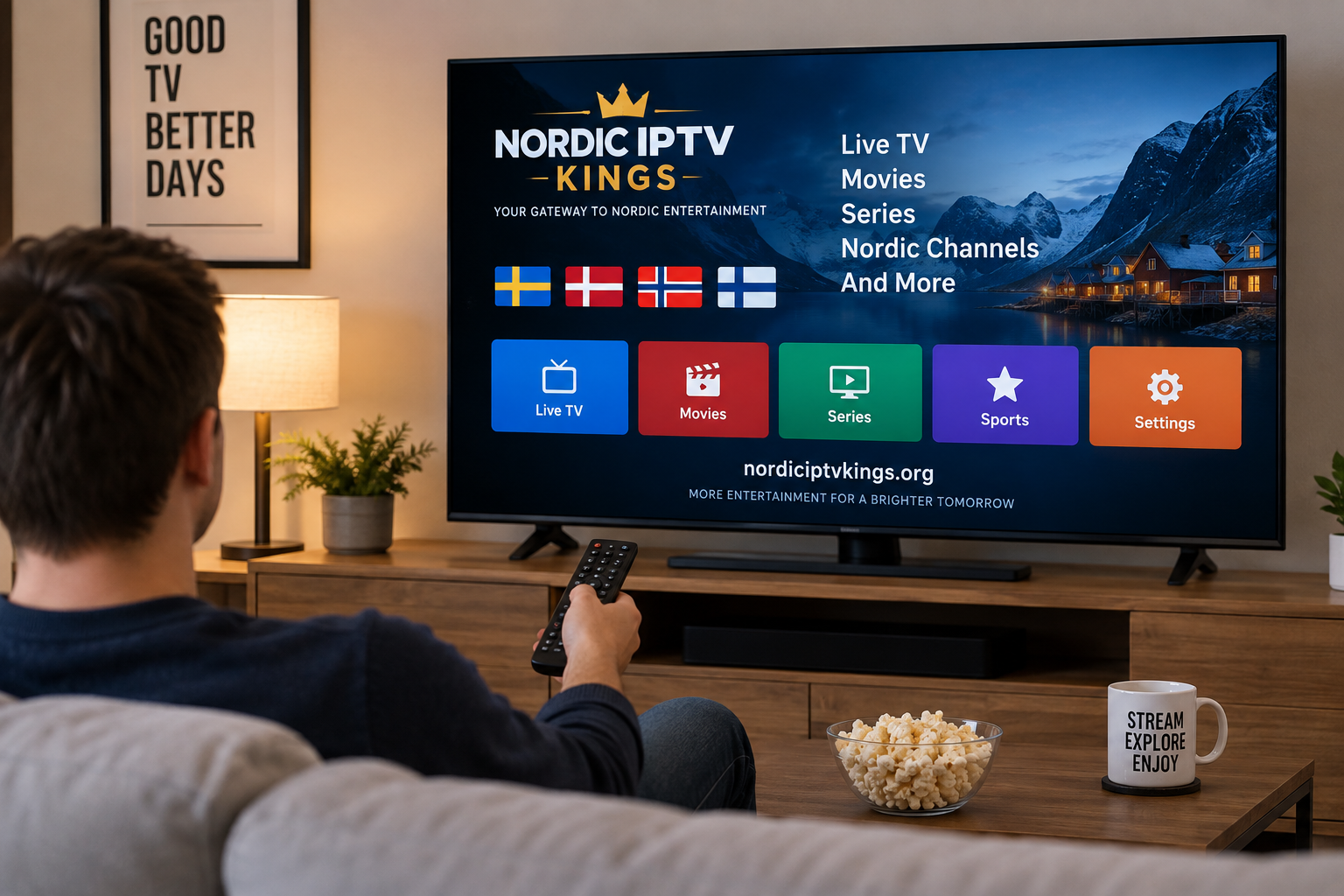
Internet-based television has changed the way many people access live channels, movies, series, and other video content. Instead of relying entirely on traditional cable or satellite connections, IPTV delivers television streams through an internet connection.
For viewers in Sweden and across the Nordic region, a good IPTV experience depends on more than simply installing an application. Internet stability, device performance, player compatibility, home network quality, and proper configuration all affect how smoothly streaming works.
Understanding these elements before setting up IPTV can help users create a simpler and more reliable viewing environment.
What Is IPTV and How Does It Work?
IPTV stands for Internet Protocol Television. In simple terms, television content is delivered through an IP network rather than through a traditional broadcast signal.
A typical IPTV setup involves several separate components:
- An internet connection
- A compatible viewing device
- An IPTV player or application
- Access information supplied by an IPTV service
- A properly configured home network
The IPTV application normally acts as the interface between the viewer and the available streams. Depending on the player and service, configuration may involve an M3U playlist, login credentials, a server address, or another supported connection method.
It is important to understand the difference between an IPTV player and an IPTV service. Installing a player alone does not automatically provide television channels. The player organizes and displays content supplied through compatible access information.
Start With a Stable Internet Connection
Internet quality is one of the most important factors in IPTV streaming.
A connection may look fast during a basic speed test while still experiencing short interruptions, Wi-Fi interference, congestion, or high latency. These problems can become noticeable when watching live television because the stream must continue arriving without significant interruptions.
Ethernet Can Improve Consistency
When possible, connecting a Smart TV, Android box, Apple TV, computer, or other fixed streaming device directly to the router with an Ethernet cable can provide a more consistent connection.
Ethernet reduces many of the variables associated with wireless networks, including:
- Signal interference
- Distance from the router
- Thick walls
- Competing wireless devices
- Weak Wi-Fi coverage
Wi-Fi can still work well, particularly with a modern router and good signal strength. However, a wired connection is worth testing when buffering occurs frequently.
Check the Entire Home Network
Streaming performance depends on more than the speed supplied by an internet provider.
If several people are simultaneously downloading large files, gaming online, making video calls, or streaming high-resolution video, available bandwidth can be shared among multiple devices.
Users experiencing problems should therefore consider what else is happening on the network before assuming that the IPTV application is responsible.
Choose a Device That Matches Your Viewing Habits
IPTV can be used on many types of devices, but the best choice depends on how and where someone prefers to watch television.
Smart TVs
Smart TVs offer a convenient setup because an IPTV application can often run directly on the television.
This reduces the number of external devices and cables around the TV. The main limitation is that available applications vary between television operating systems and models.
Before choosing an IPTV player, check whether it is currently supported by the specific Smart TV platform.
Android TV and Streaming Boxes
Android-based devices are popular because they provide access to a wide range of media players and customization options.
Depending on the device, users may be able to organize favorites, configure an electronic program guide, adjust playback options, and manage larger playlists more easily than on some television interfaces.
Device performance still matters. Older hardware with limited memory or processing power may respond more slowly when handling large channel lists or demanding video formats.
Apple Devices
Apple TV, iPhone, and iPad users can also access IPTV through compatible applications.
The setup process varies by application, but it generally involves installing a player and entering the access information provided by the service.
Computers
Windows, macOS, and other computer platforms provide another flexible option.
Desktop media applications can be useful for testing a connection because they make it easy to compare playback between a computer and another device. If a stream works smoothly on a computer but not on a television, the issue may be related to the TV application, Wi-Fi connection, or device configuration.
Select the Right IPTV Player
There is no single player that is automatically best for every user.
Some applications prioritize simplicity, while others provide advanced playlist management, EPG support, favorites, subtitles, search tools, and customization.
Common IPTV player features include:
- M3U playlist support
- Account-based login options
- Electronic program guide support
- Channel groups
- Favorites
- Search
- Subtitle controls
- Audio track selection
- Parental controls
- External player integration
A beginner may prefer a straightforward interface, while an experienced user may value advanced organization and playback settings.
Readers researching Nordic-oriented IPTV options and compatible setup information can also explore Nordic IPTV King when comparing available approaches.
Understand M3U, Login Credentials, and EPG Data
Several technical terms appear frequently during IPTV setup.
Understanding them makes installation much easier.
M3U Playlists
An M3U file or URL is essentially a playlist containing information that a compatible media player can use to locate streams.
The playlist does not play television by itself. It must be opened through software that understands the format.
Account-Based Login
Some IPTV players allow users to enter a server address together with a username and password.
This method can make it easier for an application to organize live channels, movies, series, and program information when those features are provided by the connected service.
Electronic Program Guide
An electronic program guide, commonly called an EPG, displays scheduling information for television channels.
When properly configured and supported, an EPG can make IPTV feel more like a traditional television interface because viewers can browse current and upcoming programs.
Availability and accuracy depend on the data source and service configuration.
Create a Simple Channel Organization System
Large playlists can quickly become difficult to navigate.
Instead of scrolling through every available category, users can simplify the experience by creating favorites and organizing frequently watched content.
For example, a household might create easy access to:
- Swedish channels
- Nordic television
- News
- Sports
- Children's programming
- Movies
- Documentary channels
A cleaner interface can make a bigger difference to daily usability than adding unnecessary applications or complex settings.
How to Troubleshoot IPTV Buffering
Buffering is one of the most common streaming complaints, but it can have several causes.
Before changing applications or devices, troubleshoot the system methodically.
Restart the Main Components
Start by restarting:
- The IPTV application
- The streaming device
- The router
Temporary network or application problems can sometimes disappear after a clean restart.
Test More Than One Stream
If only one channel has a problem while other streams work normally, the issue may not be related to the home network.
Testing several channels helps identify whether the problem affects the entire setup or only a particular stream.
Compare Wi-Fi With Ethernet
If the device supports Ethernet, temporarily connect it directly to the router.
A noticeable improvement usually indicates that the wireless connection deserves further attention.
Test Another Device
Try the same compatible setup on another device.
For example, compare playback between a Smart TV and a computer or mobile device. This can help determine whether the issue is linked to the original device or application.
Keep Applications and Devices Updated
Streaming applications and operating systems change over time.
Keeping the device software and IPTV player updated can improve compatibility, address software bugs, and reduce problems caused by outdated versions.
Users should download applications from legitimate platform stores or official developer sources whenever possible rather than relying on unknown installation files.
Security and Responsible Streaming Matter
As with any internet-connected service, users should take basic security precautions.
Use strong passwords for relevant accounts, keep devices updated, and avoid sharing private login information publicly.
It is also important to understand the source and authorization of the content being accessed. IPTV is a delivery technology, and the legality of specific content depends on licensing, distribution rights, local regulations, and how the service obtains permission to provide that content.
When uncertain, users should choose authorized services and review the rules that apply in their country.
A Better IPTV Experience Starts With the Basics
A reliable IPTV setup does not require complicated hardware or dozens of applications.
The most practical approach is to build the system around a stable internet connection, a suitable device, a compatible IPTV player, and a well-configured home network.
Start with the hardware already available, keep the setup simple, test connections methodically when problems appear, and choose applications based on actual viewing needs rather than the number of features advertised.
When each part of the setup works well together, navigating live television and other internet-delivered video becomes considerably easier and more convenient.

