


How to Block Social Media on Your Child’s Phone for Better Online Safety
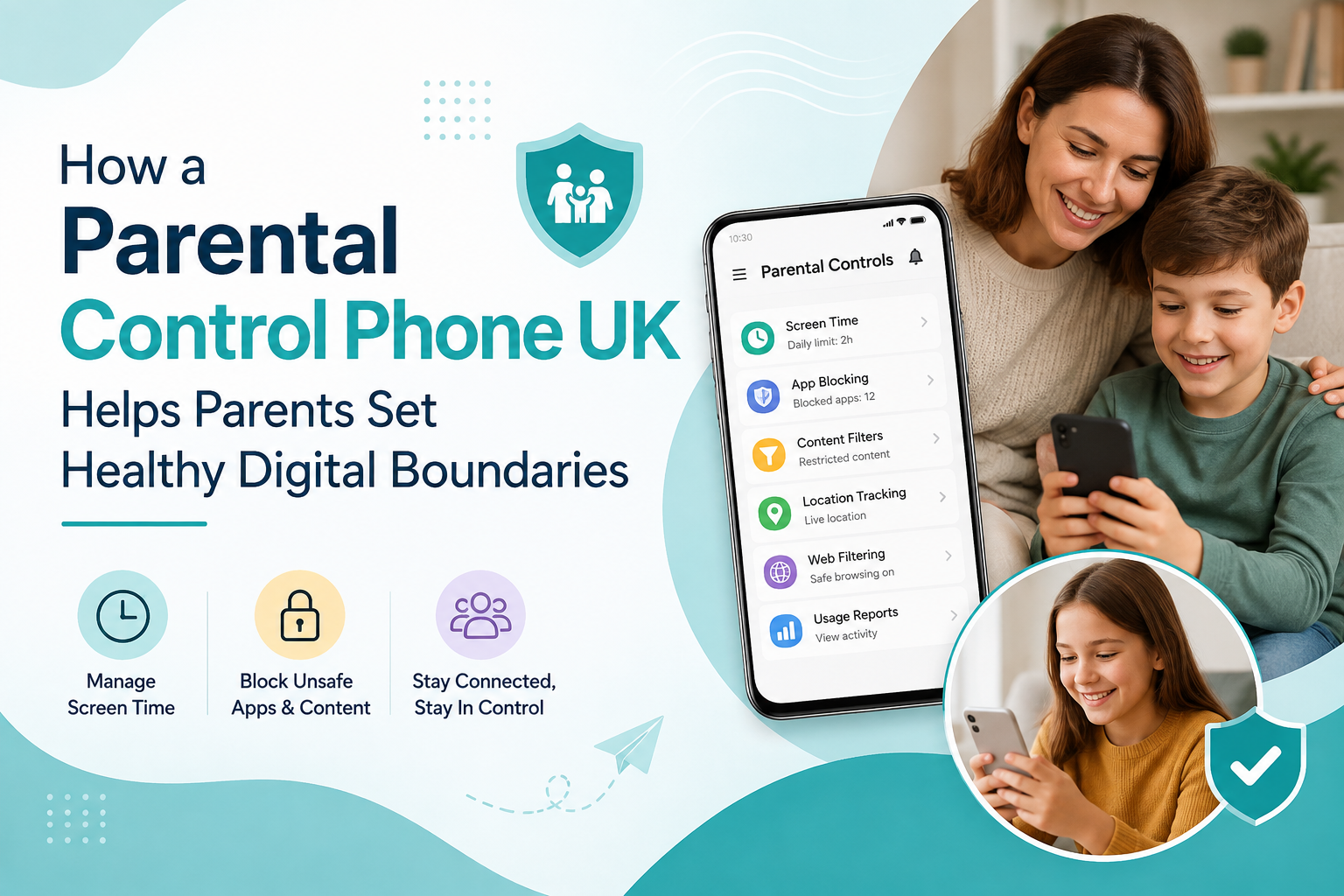
Giving a child their first smartphone can be a useful step toward independence and communication. However, smartphones also provide access to social media platforms, online communities, videos, and other content that may not always be suitable for children.
For parents, one practical way to create a safer digital environment is to block social media on a child’s phone. Blocking or restricting access to social media can help reduce distractions, limit exposure to inappropriate content, and encourage healthier smartphone habits.
Why Should Parents Block Social Media on a Child’s Phone?
Social media can be entertaining and useful, but younger children may not always have the experience to manage online risks independently. Public profiles, direct messages, unknown contacts, inappropriate content, and excessive scrolling can create challenges for families.
When parents block social media, they can create clearer boundaries around how a child uses their smartphone.
Some key benefits include:
-
Reducing exposure to inappropriate content
-
Limiting contact with unknown users
-
Reducing unnecessary screen time
-
Minimising social media distractions
-
Helping children concentrate on schoolwork
-
Encouraging healthier digital habits
-
Giving parents greater control over installed apps
The goal is not necessarily to prevent children from using technology. Instead, it is about introducing technology in an age-appropriate and controlled way.
How to Block Social Media on Your Child’s Phone
There are several ways parents can block social media depending on the phone and parental-control features available.
1. Use Built-In Parental Controls
Many smartphones provide parental-control settings that allow parents to restrict applications, websites, downloads, and screen time.
Parents can use these controls to prevent children from installing specific social media applications or accessing certain websites.
Before giving a child a smartphone, review the available parental-control settings and configure them according to the child's age and needs.
2. Block Social Media Apps
Another option is to restrict specific social media applications.
Parents can identify the apps they do not want their child to access and use parental-control settings to prevent installation or usage.
This approach can be particularly useful for younger children who primarily need their phones for communication, education, navigation, or emergencies.
3. Use App and Website Blockers
Some parental-control solutions provide app and website blocking features.
These tools can allow parents to block selected social media platforms while continuing to allow educational websites, messaging tools, and other useful applications.
This provides a more balanced approach than completely restricting internet access.
4. Set Screen Time Limits
Blocking social media is only one part of creating healthy smartphone habits.
Parents can also establish daily screen-time limits. For example, social and entertainment applications can be restricted during homework, school, family meals, or bedtime.
Combining screen-time management with app restrictions can make smartphone use easier to manage.
What Are the Benefits of Blocking Social Media?
Better Focus on Education
Social media notifications and constant scrolling can become distractions during study time.
When parents block social media, children can use their phones for educational purposes without being constantly encouraged to check entertainment or social platforms.
Reduced Exposure to Online Risks
The internet contains content that may not be appropriate for younger users. Children can also encounter strangers, cyberbullying, misleading information, or harmful content.
Blocking social media can reduce some of these risks by limiting access to platforms where children may interact with unknown people.
Healthier Screen-Time Habits
Social media platforms are designed to encourage continued engagement. Without clear boundaries, children may spend more time scrolling than intended.
Blocking or restricting social media can help children develop healthier relationships with their devices.
Fewer Digital Distractions
Notifications, messages, videos, and social updates can make it difficult for children to focus.
A phone with restricted social media access can be used primarily as a communication and learning device rather than an entertainment centre.
Should Parents Completely Block Social Media?
The right approach depends on the child's age, maturity, and individual circumstances.
For younger children, completely blocking social media may be a practical option. Parents can introduce smartphones without immediately introducing every available social platform.
For older children, parents may prefer a gradual approach that combines access with clear rules, supervision, and education about responsible online behaviour.
The important thing is to choose restrictions that match the child's development and needs.
Talk to Your Child About Online Safety
Technology controls are useful, but communication is equally important.
Parents should explain why certain apps or websites are restricted instead of simply blocking them without discussion.
Children should understand important online safety principles, such as:
-
Never share passwords with other people.
-
Avoid communicating with unknown users.
-
Do not share personal information publicly.
-
Think carefully before posting photos or videos.
-
Report inappropriate or threatening behaviour.
-
Tell a trusted adult if something online makes them uncomfortable.
-
Use privacy settings whenever available.
These conversations can help children become more responsible digital users as they get older.
Choose a Child-Friendly Smartphone
Parents looking for a first smartphone can consider devices and services designed specifically for children.
A child-friendly phone can provide essential communication features while giving parents tools to manage apps, websites, screen time, and social media access.
Instead of giving a child unrestricted access to a standard smartphone, parents can start with a controlled digital environment and gradually increase access as the child becomes more responsible.
Block Social Media While Keeping Essential Features
Blocking social media does not mean a child needs to lose access to everything useful on their phone.
Parents can create a balanced setup where children can still access important features such as:
-
Phone calls
-
Approved contacts
-
Educational apps
-
Maps and navigation
-
School-related resources
-
Approved websites
-
Emergency communication
-
Age-appropriate entertainment
This approach allows children to benefit from smartphone technology while reducing unnecessary risks and distractions.
Final Thoughts
Learning how to block social media on your child’s phone can be an important part of creating a safer and healthier digital environment.
By combining social media restrictions with screen-time management, app controls, website filtering, and regular conversations about online safety, parents can help children develop responsible smartphone habits.
For younger children especially, a phone with built-in parental controls can provide a useful balance between independence and parental supervision. As children grow and demonstrate greater digital responsibility, parents can gradually adjust these restrictions.
The objective is not simply to block social media. It is to help children use technology safely, responsibly, and in a way that supports their education, communication, and overall development.

