


Zoho Solution Provider in India: Services, Benefits & Implementation Guide
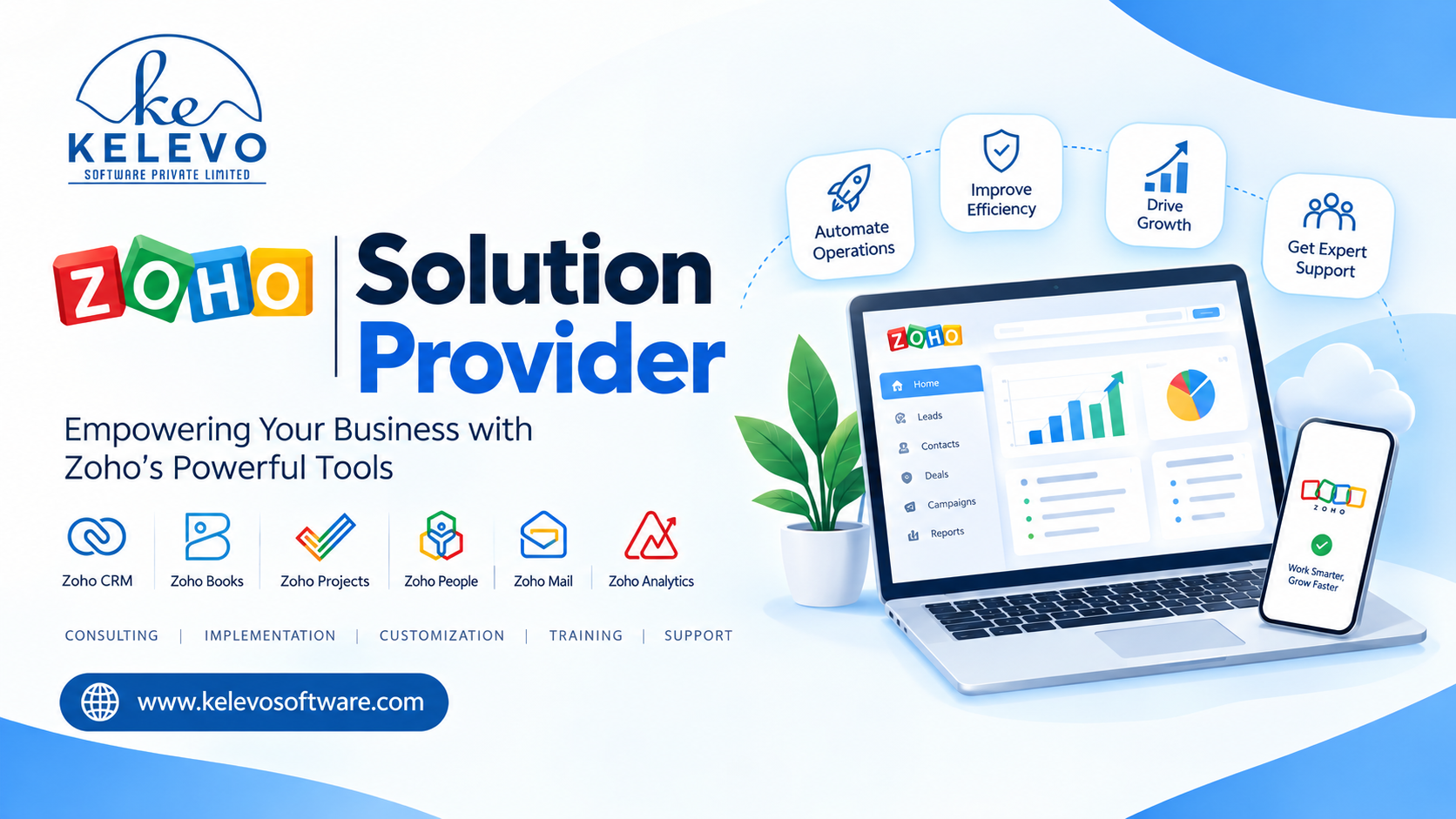
Businesses today need connected systems to manage customer relationships, sales, marketing, finance, projects, and daily operations. Zoho offers a broad range of business applications, but choosing the right tools and configuring them to work together can be challenging. This is where a reliable Zoho Solution Provider can help.
Kelevo Software Pvt. Ltd. helps businesses implement, customize, and optimize Zoho applications according to their operational needs. Based in Noida, with offices in Pune, Mumbai, and Ahmedabad, Kelevo supports startups, growing businesses, and enterprises with Zoho consulting, implementation, training, and managed support services.
Whether you want to streamline sales with Zoho CRM, automate marketing campaigns, improve reporting, or connect multiple business processes, the right implementation approach can help you get more value from your technology investment.
Quick Answer:
A Zoho Solution Provider is a service company that helps businesses select, implement, customize, integrate, and maintain Zoho applications. Its role is to align Zoho's capabilities with business goals, automate repetitive tasks, improve data visibility, and support user adoption.
For businesses searching for a Zoho Solution Provider in India or a Zoho Authorized Partner Noida, Kelevo Software offers Zoho consulting, implementation, customization, training, and ongoing support to help organizations build efficient business workflows.
What Does a Zoho Solution Provider Do?
A Zoho Solution Provider helps organizations move beyond basic software setup and develop a connected business system. Instead of using separate tools with disconnected data, companies can configure suitable Zoho applications to support their complete workflows.
Typical responsibilities include:
-
Assessing business requirements and existing processes.
-
Recommending suitable Zoho applications.
-
Configuring modules, fields, layouts, and permissions.
-
Automating repetitive tasks and approval workflows.
-
Integrating Zoho with other business systems.
-
Migrating data from spreadsheets or legacy platforms.
-
Training employees and providing ongoing support.
-
Reviewing system performance and identifying improvements.
Practical example: A sales team may record leads in spreadsheets, follow up through email, and prepare reports manually. With Zoho CRM configured around its sales process, the team can centralize lead information, automate follow-up reminders, track deal stages, and generate reports from a shared system.
The exact solution depends on the organization's requirements, existing technology, budget, and growth plans.
Zoho Services Offered by Kelevo Software
Choosing a provider with the right combination of technical expertise and business understanding makes implementation more effective. Here are the core service areas businesses should consider.
1. Zoho Consulting and Application Selection
Not every business needs every Zoho application. Consulting helps identify the tools that solve specific operational problems without introducing unnecessary complexity.
A consultant can evaluate your existing processes, define requirements, map workflows, and recommend a suitable combination of Zoho applications.
For example, a service company may need Zoho CRM for lead management, Zoho Books for accounting workflows, and Zoho Projects for project delivery. The final selection should reflect the company's actual needs and the capabilities available in its chosen plans.
2. Zoho Implementation
Zoho implementation involves configuring applications to support your business processes.
Depending on the project, implementation may include:
-
Setting up users, roles, and permissions.
-
Configuring modules, fields, and business layouts.
-
Building sales pipelines and service workflows.
-
Importing and validating existing data.
-
Setting up reports and dashboards.
-
Testing workflows before launch.
A structured implementation reduces confusion, improves consistency, and helps employees adopt the new system with confidence.
3. Zoho Customization
Standard software features may not cover every business requirement. Zoho customization can help adapt applications to specific workflows.
Examples include custom fields, tailored dashboards, automated notifications, approval processes, custom functions, and connections between applications.
Consider a company that must approve discounts above a certain value. A customized workflow can route the request to the appropriate manager, record the decision, and notify the sales representative.
Customization should solve a defined business problem while keeping the system maintainable and easy to update.
4. Zoho CRM and Sales Automation
Zoho CRM helps businesses organize customer information, manage leads, track opportunities, and monitor sales activities.
A suitable CRM implementation can help teams:
-
Capture and assign leads.
-
Track deals through sales stages.
-
Schedule follow-ups and reminders.
-
Automate routine sales tasks.
-
Monitor conversion rates and pipeline performance.
-
Improve visibility into customer interactions.
For example, when a prospect submits a website inquiry, an automated workflow can assign the lead to a sales representative and create a follow-up task. This creates a more consistent process than relying on manual assignment.
5. Zoho Marketing Automation and Campaign Management
Marketing teams can use Zoho applications to organize campaigns, manage audience segments, automate communication, and analyze engagement.
Depending on the requirements, a solution may involve Zoho Campaigns, Zoho Marketing Automation, or integrations with CRM and other business applications.
A practical workflow might synchronize eligible CRM contacts with a marketing audience, send a targeted campaign, and help the team evaluate engagement and subsequent sales activity.
Businesses should configure consent, unsubscribe handling, and data permissions appropriately before launching marketing automation.
6. Zoho Analytics and Business Reporting
Organizations often collect data across multiple departments but struggle to turn it into useful information.
Zoho Analytics supports reporting and data visualization, helping businesses analyze metrics such as sales performance, revenue trends, marketing engagement, and operational efficiency.
A management dashboard could combine sales targets, pipeline value, lead conversion, and monthly performance indicators to help decision-makers identify gaps and prioritize action.
Reports are only as reliable as the underlying data, so data quality and clear metric definitions are essential.
7. Zoho Integration, Training, and Managed Support
A Zoho solution may need to connect with a website, payment platform, accounting system, or another business application. Integration helps reduce duplicate data entry and supports more consistent workflows.
Training ensures employees understand how to use the system correctly, while managed support helps address technical issues, workflow changes, and evolving business needs.
For long-term success, businesses should plan for system reviews, access management, documentation, and regular checks of automated processes.
Benefits of Choosing the Right Zoho Solution Provider
Working with an experienced implementation team can deliver several operational benefits.
|
Benefit |
How it helps your business |
|
Better process automation |
Reduces repetitive manual work and missed follow-ups. |
|
Centralized information |
Makes relevant customer and operational data easier to access. |
|
Improved reporting |
Supports decisions using consistent business metrics. |
|
Customized workflows |
Aligns applications with actual business processes. |
|
Stronger user adoption |
Training helps employees use the system effectively. |
|
Scalable operations |
A well-planned setup can evolve as requirements change. |
|
Ongoing assistance |
Support helps maintain workflows and resolve issues. |
These benefits are not automatic. Results depend on implementation quality, data accuracy, process design, employee participation, and ongoing maintenance.
The best provider focuses on measurable business outcomes rather than simply activating software features.
How to Choose a Zoho Authorized Partner in Noida
If your organization is searching for a Zoho Authorized Partner Noida, evaluate potential providers against clear business and technical criteria.
Check partner credentials
Confirm the provider's current Zoho partner status and the specific services it is authorized or equipped to deliver. Partner designations and program terms can change, so verify claims through Zoho's official channels.
Review relevant experience
Ask whether the provider has experience with your industry, business size, applications, and workflow complexity. Relevant experience is more useful than a broad list of software names alone.
Understand the implementation process
A reliable provider should explain discovery, planning, configuration, migration, testing, training, launch, and post-launch support.
Discuss integrations and customization
If your business needs custom functions or third-party connections, clarify the proposed approach, technical dependencies, maintenance requirements, and ownership of documentation.
Evaluate communication and support
Ask about response times, escalation procedures, training, service coverage, and how future changes will be handled.
Define success metrics
Agree on practical indicators before implementation. Examples include lead response time, data completeness, report preparation time, or the percentage of opportunities with scheduled follow-ups.
Zoho Implementation Guide: Step-by-Step
A successful Zoho project begins with business requirements, not software configuration.
Step 1: Identify business challenges
Document current bottlenecks, such as missed sales follow-ups, duplicate customer records, manual reporting, or disconnected departmental workflows.
Step 2: Define goals and requirements
Prioritize the problems the project must solve. Separate essential features from improvements that can be introduced later.
Step 3: Select the right applications
Choose Zoho applications based on required functionality, integration needs, user count, and available budget. Review plan limitations before finalizing the solution.
Step 4: Plan data migration and integration
Clean existing records, remove duplicates where appropriate, map fields, and determine how information will move between systems. Establish clear access permissions and data-handling practices.
Step 5: Configure and customize
Set up the applications, automate suitable processes, build dashboards, and configure integrations. Keep customization focused on business value.
Step 6: Test with real workflows
Run representative scenarios before launch. Verify data accuracy, permissions, notifications, integrations, and exception handling.
Step 7: Train users and launch
Provide role-specific training and documentation. A phased rollout may be useful when multiple departments or complex workflows are involved.
Step 8: Measure and improve
Review agreed performance indicators after launch. Collect employee feedback, resolve recurring issues, and refine workflows as business needs evolve.
Expert tip: Start with one high-impact workflow, such as lead assignment or invoice approval. Prove that it works, measure the result, and then expand to additional departments.
Frequently Asked Questions
1. What is a Zoho Solution Provider?
A Zoho Solution Provider helps businesses choose, implement, customize, integrate, and maintain Zoho applications. The provider works to align the software with business requirements, improve workflows, and support user adoption.
2. How do I find a Zoho Authorized Partner in Noida?
Review Zoho's official partner resources to verify current credentials. Then compare providers based on relevant implementation experience, technical capabilities, project methodology, customization expertise, and ongoing support.
3. Which Zoho applications are best for small and medium-sized businesses?
The right applications depend on your requirements. Zoho CRM may suit sales management, Zoho Books may support accounting workflows, Zoho Projects can help manage projects, Zoho Campaigns supports email marketing, and Zoho Analytics helps with reporting. Businesses should evaluate features, integrations, and plan availability before choosing.
4. How long does Zoho implementation take?
The timeline depends on the number of applications, data migration complexity, customization, integrations, and user requirements. A focused setup may take less time than a multi-department implementation. Ask for a project plan with defined milestones after the initial assessment.
5. Why should a business work with a Zoho Solution Provider?
A provider can help reduce configuration mistakes, align applications with existing processes, plan integrations, train employees, and establish a support framework. The value comes from solving business problems effectively, not merely purchasing or activating software.
Conclusion
Selecting the right Zoho Solution Provider in India can help your organization build a more connected, efficient, and manageable business environment. From Zoho CRM implementation and marketing automation to analytics, integrations, customization, and employee training, a well-planned solution should support your actual business goals.
Kelevo Software Pvt. Ltd. works with businesses to identify suitable Zoho applications, streamline workflows, and develop solutions aligned with their operational requirements. Whether you are implementing Zoho for the first time or improving an existing setup, begin with clear objectives, a practical implementation plan, and measurable success criteria.
Ready to Get Started with Zoho?
Looking for a Zoho Solution Provider or a Zoho Authorized Partner in Noida? Connect with Kelevo Software to discuss your business requirements and explore a suitable Zoho implementation strategy.
-
Website: https://kelevosoftware.com/
-
Phone: +91-8800611243
-
Email: info@kelevosoftware.com
Contact Kelevo Software today to discuss Zoho consulting, implementation, customization, training, and managed support for your business.

