


How a Web Designer in Dubai Can Create a Mobile-Friendly Website
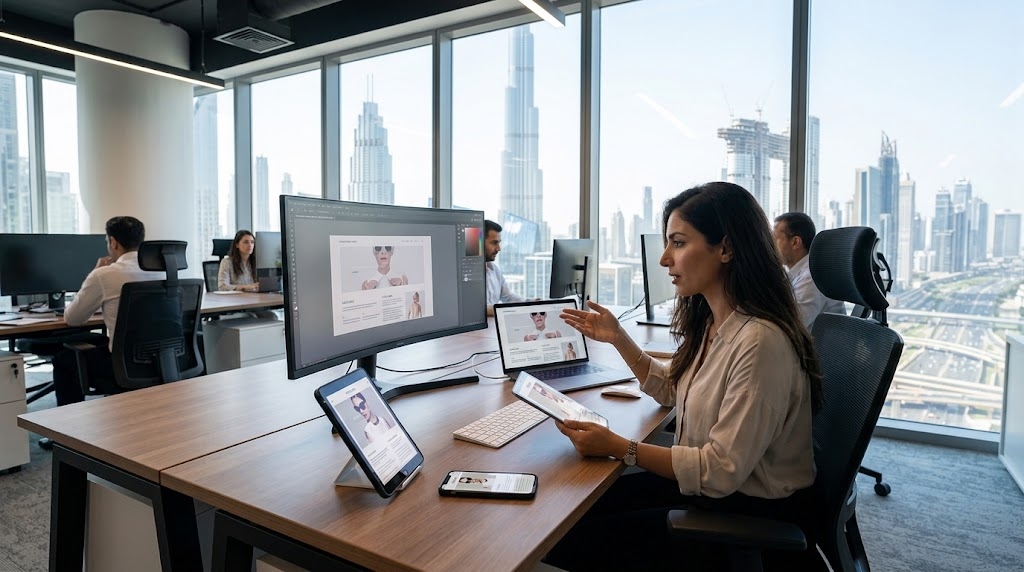
Dubai is one of the most digitally connected cities in the world. With smartphone penetration among the highest globally, residents and tourists alike search, shop, book and compare services from their phones, often on the move between Downtown, Marina and Business Bay. For a web designer in Dubai, building a mobile-friendly website is no longer an optional extra. It is the foundation of every successful project. A site that loads slowly or looks cramped on a small screen loses customers within seconds, and in a competitive market that cost is real.
This guide walks through the practical steps a Dubai web designer can follow to create websites that look polished, load fast and convert visitors on any device.
Why Mobile-Friendly Design Matters in Dubai
A Mobile-First Audience
Most Dubai users browse on their phones. Tourists look up restaurants, tours and hotels on the go, while residents order food, book services and compare prices from their devices. If your client's website does not serve these users well, competitors will.
Google's Mobile-First Indexing
Google primarily uses the mobile version of a site for indexing and ranking. A website that works poorly on mobile can rank lower in search results, even if its desktop version is excellent. Mobile-friendliness is therefore both a user experience issue and an SEO issue.
Competitive Pressure
Dubai businesses in real estate, hospitality, retail and tourism invest heavily in their online presence. Clients expect designers to deliver sites that match the standard set by international brands.
Start With a Mobile-First Strategy
Design for the Smallest Screen First
Mobile-first design means starting with the phone layout and then expanding to tablets and desktops. This forces you to prioritise what truly matters: the headline, the key message, the main call to action and essential navigation. Everything else is secondary.
Define Goals and User Journeys
Before sketching anything, ask what visitors should accomplish. Should they call, book, buy or request a quote? Map the shortest path to that action on a phone, where every extra tap costs attention.
Use Responsive Design Techniques
Fluid Grids and Flexible Layouts
Instead of fixed pixel widths, use percentages, CSS Grid and Flexbox so layouts adapt smoothly to any screen size. Content should reflow naturally rather than forcing visitors to pinch and zoom.
Breakpoints That Follow Content
Set breakpoints where the content starts to look awkward, not simply at the sizes of popular devices. Test common widths such as 360, 390, 768 and 1024 pixels, but let the design decide where changes happen.
The Viewport Meta Tag
A small but essential line of code, the viewport meta tag, tells the browser to match the screen width. Without it, mobile browsers shrink the desktop layout and make text tiny.
Prioritise Speed and Performance
Optimise Images
Images are usually the heaviest part of a page. Compress them, serve modern formats such as WebP or AVIF, and use responsive image attributes like srcset so phones download smaller files. Lazy-load images that sit below the fold.
Minimise Code and Requests
Minify CSS and JavaScript, remove unused plugins and limit third-party scripts. Every extra script slows the page, particularly on mobile networks.
Use Caching and a CDN
A content delivery network with servers close to the UAE and Gulf region shortens load times. Combined with browser caching and reliable local or regional hosting, it keeps pages fast during peak traffic.
Aim for Strong Core Web Vitals
Google measures loading speed, interactivity and visual stability through Core Web Vitals. Target a fast Largest Contentful Paint, quick interaction response and minimal layout shift. Tools such as PageSpeed Insights and Lighthouse show exactly where to improve.
Create Touch-Friendly Navigation
Simple Menus
On small screens, a clean hamburger menu or a bottom navigation bar keeps options accessible without clutter. Limit top-level items to what users genuinely need.
Large, Well-Spaced Tap Targets
Buttons and links should be large enough to tap comfortably with a thumb, generally at least 44 by 44 pixels, with enough spacing to avoid accidental taps.
Sticky Calls to Action
A persistent "Call Now", "WhatsApp" or "Book Now" button is especially effective in Dubai, where many customers prefer to contact businesses directly through WhatsApp or a phone call.
Focus on Readable Typography and Clean Layouts
Legible Text Sizes
Use a base font size of at least 16 pixels for body text, with comfortable line height and contrast. Avoid long paragraphs; short blocks and clear headings are easier to scan on a phone.
White Space and Visual Hierarchy
Generous spacing prevents a mobile page from feeling crowded. Use size, colour and placement to guide the eye toward the most important element on each screen.
Support Arabic and Multilingual Audiences
Right-to-Left (RTL) Layouts
Dubai's audience speaks Arabic, English, Hindi, Urdu and many other languages. If a site offers Arabic, build a proper RTL layout rather than simply translating text. Mirror navigation, icons and alignment so the experience feels natural.
Font Selection and Language Switching
Choose fonts that render well in both Arabic and Latin scripts, and place a clear language switcher where users can find it instantly. Test long Arabic and English strings to make sure buttons and menus do not break.
Cultural Sensitivity
Imagery, colours and wording should respect local culture and business etiquette. Designs that feel authentic to the region build trust faster.
Optimise Forms and Checkout Experiences
Reduce Friction
Mobile forms should ask only for essential information. Use the correct input types so phones display the right keyboard for email, phone numbers or dates, and enable autofill wherever possible.
Local Payment Options
For e-commerce clients, offer payment methods familiar in the UAE, such as cards, Apple Pay and cash on delivery where relevant. Make the checkout short, secure and clearly guided.
Build in Accessibility and Security
Accessibility Basics
Use sufficient colour contrast, descriptive alt text, logical heading structure and keyboard-friendly interactions. Accessible sites serve more users and tend to perform better overall.
Security and Trust
An SSL certificate is essential, and visible trust signals such as reviews, licences and clear contact details reassure visitors. Dubai customers often judge credibility within moments of landing on a page.
Test Across Devices and Browsers
Real Device Testing
Emulators are useful, but nothing replaces testing on actual iPhones, Android phones and tablets. Check different screen sizes, operating systems and browsers, including Safari and Chrome.
Network Conditions
Test on slower connections as well as fast 5G. Tools such as Chrome DevTools can throttle speeds to reveal performance problems that fast office Wi-Fi hides.
Gather User Feedback
Heatmaps, session recordings and analytics show where users hesitate or drop off. Use this data to refine layouts, buttons and content after launch.
Optimise for Local Mobile SEO
Local Search Signals
Many mobile searches have local intent, such as "dentist near me" or "restaurants in JLT". Optimise Google Business Profile listings, include consistent name, address and phone details, and use location-specific keywords naturally.
Structured Data and Click-to-Call
Add schema markup for business information and reviews, and make phone numbers and map links tappable. This helps search engines understand the business and helps users act immediately.
Maintain and Improve Over Time
A mobile-friendly website is never truly finished. Operating systems, browsers and user behaviour keep changing. Schedule regular audits, update plugins and content, monitor speed and fix issues quickly. Ongoing care keeps the site performing well and shows clients the value of long-term support.
Conclusion
Creating a mobile-friendly website in Dubai means combining technical skill with an understanding of local users. A successful web designer starts with a mobile-first strategy, builds responsive layouts, prioritises speed, designs for thumbs rather than mouse cursors, supports Arabic and multilingual audiences, and tests rigorously on real devices. Add strong local SEO and ongoing maintenance, and the result is a website that delights visitors, ranks well and drives real business growth in one of the world's most dynamic markets.

