


What Is a 403 Forbidden Error? Causes and How to Fix It
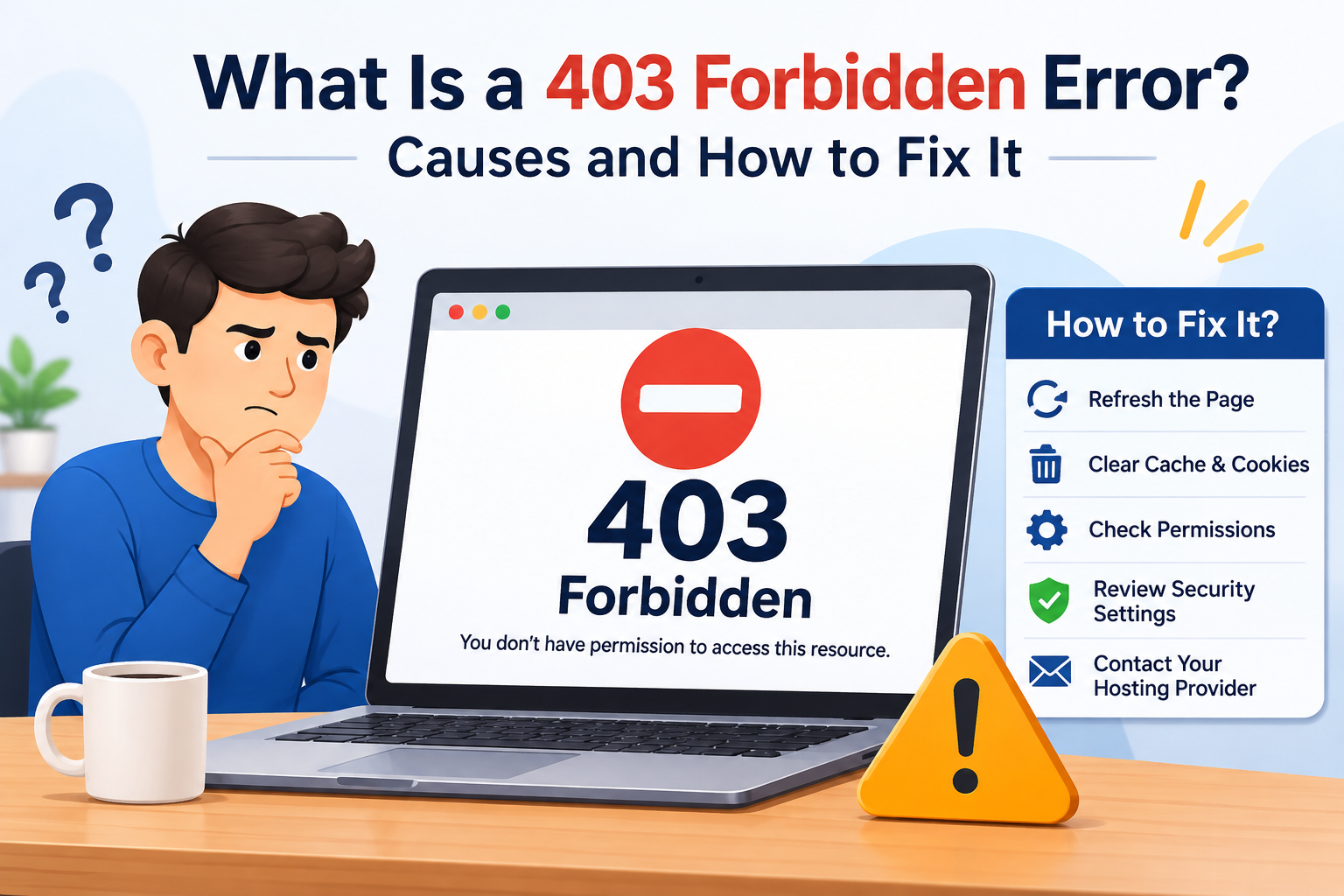
A 403 Forbidden error is a common HTTP status code that appears when a website server understands a user's request but refuses to allow access to the requested page or resource. When this error occurs, visitors may see messages such as "403 Forbidden," "Access Denied," or "You don't have permission to access this resource."
This issue can affect website visitors as well as website owners. Understanding the causes of a 403 error and knowing how to resolve it can help restore access and improve the overall browsing experience.
What Causes a 403 Forbidden Error?
Several factors can trigger a 403 Forbidden error. Some of the most common causes include:
1. Incorrect File Permissions: Website files and folders have specific permissions that control who can access them. Incorrect permissions may prevent the server from displaying website content.
2. Corrupted .htaccess File: An incorrectly configured or corrupted .htaccess file can block visitors from accessing certain pages. This is particularly common on websites hosted on Apache servers.
3. IP Address Restrictions: Website administrators may block specific IP addresses or geographic locations for security reasons. If your IP address is restricted, you may receive a 403 error.
4. Missing Index File: If a website directory does not contain a default index file, the server may deny access instead of displaying its contents.
5. Security Plugins and Firewalls: Security tools, firewalls, and content delivery networks may mistakenly identify legitimate visitors as suspicious and prevent them from accessing a website.
How to Fix a 403 Forbidden Error
The right solution depends on whether you are a website visitor or administrator. Here are some practical troubleshooting methods.
1. Refresh the Webpage: Sometimes, a temporary server issue causes the error. Refresh the page or reopen the website to check whether access has been restored.
2. Clear Browser Cache and Cookies: Outdated cookies or cached website data can sometimes interfere with website access. Clear your browser's cache and cookies, restart the browser, and try visiting the page again.
3. Check the Website URL: Make sure the URL is correct and does not contain unnecessary characters or incorrect directory paths.
4. Disable VPN or Proxy Services: Some websites restrict traffic from VPNs and proxy servers. Temporarily disable these services and reload the page.
5. Check File and Folder Permissions: Website administrators should verify that file and folder permissions are configured correctly. Common Linux hosting defaults are 644 for files and 755 for directories, although hosting requirements may vary.
6. Review the .htaccess File: Check for incorrect access restrictions or configuration rules. Create a backup before making changes, and test whether a corrected configuration resolves the issue.
7. Contact Your Hosting Provider: If the problem continues, contact your hosting company. Server configuration errors, security restrictions, or firewall rules may require technical assistance.
How Can Website Owners Prevent 403 Errors?
Website owners can reduce the chances of encountering 403 errors by regularly monitoring server configurations, maintaining correct file permissions, updating website software, and reviewing security settings. Using reliable hosting services and performing routine website maintenance can also help prevent access-related problems.
It is equally important to monitor firewall rules and security plugins to ensure legitimate visitors are not accidentally blocked.
Conclusion
A 403 Forbidden error can interrupt website access and negatively affect the user experience. However, identifying its underlying cause makes troubleshooting easier. Whether the issue involves browser settings, incorrect file permissions, security restrictions, or server configurations, applying the appropriate solution can restore access.
For businesses, maintaining a secure, accessible, and properly configured website is essential. Professional website development and maintenance services from Digital Addex can help businesses maintain website functionality, improve performance, and deliver a smoother experience for visitors.