


Oman E-Invoice Generation Software for Less Manual Work
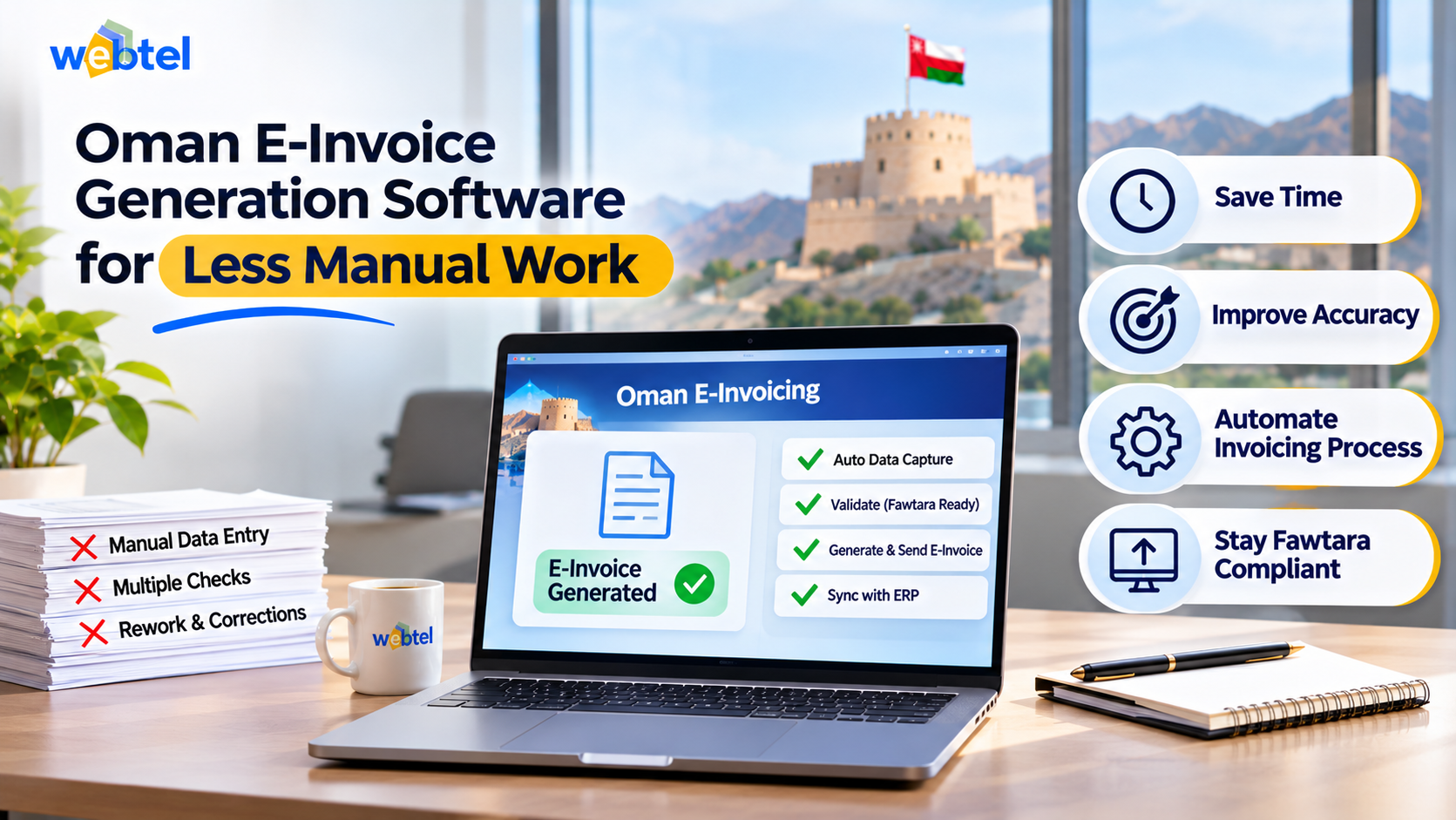
Preparing invoices manually can take more time than businesses expect. Finance teams often enter the same customer details repeatedly, calculate VAT, check invoice information and correct errors before sending documents. As transaction volumes increase, these tasks can slow down billing and create avoidable inconsistencies. Oman e-invoice generation software can help businesses reduce repetitive work by automating invoice preparation and supporting structured digital invoicing.
The shift towards electronic invoicing in Oman makes it useful to review how invoices are created, checked and exchanged. Businesses evaluating Oman e-invoice generation software should look beyond the ability to produce a digital document. The software should also support accurate invoice data, structured output and a workflow that fits existing business operations.
The main benefit comes from reducing repeated manual steps while keeping people involved where their judgement is needed. A suitable system can use existing transaction data, apply configured invoice rules, prepare structured records and help teams identify errors before submission. The result depends on the quality of the setup and the way employees use the system.
How E-Invoice Generation Software Reduces Manual Work
E-invoice generation software reduces manual work by using business data to prepare invoices and perform routine checks. Instead of entering every detail from scratch, employees can work with information already available in accounting or business systems.
Several tasks can become easier to manage:
- Customer information: Reuse stored customer names, addresses and tax details instead of typing them into every invoice.
- Invoice line items: Pull product descriptions, quantities, prices and other transaction details from connected records.
- VAT calculations: Apply configured tax rates and calculation rules to reduce repeated calculations.
- Invoice numbering: Follow an organised numbering process and reduce the risk of duplicate or missing invoice numbers.
- Data validation: Check required fields and common inconsistencies before an invoice moves to the next stage.
- Record storage: Keep invoice records organised so employees can retrieve them without searching through multiple folders.
- Status tracking: Help finance teams identify invoices that are being prepared, checked, issued or awaiting further action.
These functions reduce repetitive administration, but automation does not remove the need for review. Businesses still need to maintain accurate customer records, configure tax rules correctly and investigate exceptions.
Which Invoice Tasks Should Businesses Automate First?
A business does not need to automate every invoicing activity at once. It should begin with tasks that happen frequently, follow consistent rules and consume significant employee time.
A practical way to identify these tasks is to review the invoice journey from the original transaction to the final record.
1. Start with transaction data
Invoice preparation often begins with information already recorded elsewhere. Sales orders, delivery records and accounting entries may contain details that employees later enter again.
Software that can use these records may reduce duplicate data entry.
- Customer details: Maintain a consistent customer record with the required billing information.
- Product details: Use standard item descriptions and relevant product codes.
- Transaction values: Bring across quantities, unit prices and applicable adjustments.
- Reference numbers: Retain links to purchase orders, sales orders or delivery documents where relevant.
The business should first identify which system holds the most reliable version of each data field. This avoids creating another disconnected database.
2. Automate routine calculations
Employees may repeatedly calculate taxable values, discounts, invoice totals and VAT. Configured software can perform these calculations using the rules and data supplied to it.
Before relying on automation, test different transaction scenarios. These might include standard-rated supplies, zero-rated transactions, discounts, credit notes and other cases relevant to the business.
3. Introduce checks before invoice submission
An invoice should be reviewed before it enters the electronic exchange process. Automated checks can flag missing or inconsistent information early.
Useful checks may include:
- Mandatory fields: Identify missing buyer, seller or invoice information.
- Tax details: Flag incomplete or inconsistent VAT information.
- Arithmetic: Compare line totals with invoice-level amounts.
- Duplicate records: Identify invoices with repeated identifiers or transaction references.
- Document relationships: Check whether a credit note refers to the correct original invoice.
These checks help employees focus on exceptions instead of reviewing every field manually.
What to Check in Oman E-Invoice Generation Software
Oman businesses should assess software based on its ability to support the country's electronic invoicing requirements and their internal invoicing processes. The Oman Tax Authority's Fawtara guidance specifies XML as the mandatory structured invoice format and requires invoices to be validated through the issuer's accredited service provider.
This means a system that only creates a PDF invoice may not be sufficient for the structured e-invoicing workflow.
Consider the following areas before selecting a solution:
- Structured XML generation: Confirm that the software can produce the required machine-readable invoice data rather than only a printable document.
- Oman specification support: Check how the solution handles the applicable Oman invoice structure and required data fields.
- Service provider connectivity: Understand how invoices move from your business system to the relevant accredited service provider.
- ERP and accounting integration: Check whether the software can exchange invoice data with your existing business applications.
- Validation process: Ask what checks take place before an invoice is transmitted and how errors are reported.
- Invoice corrections: Understand how the system handles rejected invoices, cancellations, credit notes and other adjustments.
- Record retention: Check how issued invoices, transaction references and related documents can be stored and retrieved.
Businesses should also verify the service provider's accreditation status through the Oman Tax Authority's official list. Software functionality and provider accreditation are separate points to assess.
For a clearer understanding of the wider Oman e-invoicing requirements, businesses can review how structured invoice generation fits into the country's electronic invoicing model.
A Practical Example of Reducing Manual Invoice Work
Consider a distributor that prepares a large number of customer invoices using information from sales orders. Its finance team currently copies customer details, product descriptions and transaction values into an invoice template. Employees then calculate VAT, check totals and save each document separately.
The problem is not necessarily the invoice template. It is the repeated handling of the same information across different steps.
A more organised workflow could look like this:
| Invoice activity | Manual approach | Automated approach |
|---|---|---|
| Customer details | Re-enter information | Use stored customer records |
| Product information | Copy from sales orders | Import transaction line items |
| VAT calculation | Calculate manually | Apply configured tax rules |
| Invoice checks | Review every field | Flag missing or inconsistent data |
| Structured output | Prepare separately | Generate required XML data |
| Record retrieval | Search through folders | Retrieve from organised records |
This example illustrates a possible workflow, not a guaranteed time or cost saving. The actual improvement depends on transaction quality, integration, software configuration and the number of exceptions that require manual attention.
Measure the Improvement Before Expanding Automation
Businesses can compare their existing process with the proposed workflow using a small set of operational measures:
- Preparation time: How long does it take to prepare an invoice from an approved transaction?
- Correction frequency: How often do employees need to edit invoices because of incorrect or missing information?
- Duplicate entry: How many fields are entered more than once across different systems?
- Validation errors: Which errors appear most frequently before an invoice can be issued?
- Retrieval time: How quickly can finance staff locate an invoice and its supporting transaction?
- Exception handling: How much employee time is spent resolving unusual transactions?
Recording these measures before implementation creates a useful baseline. The same measures can be reviewed after the system has been configured and employees have become familiar with it.
Common Mistakes That Limit Invoice Automation
Even capable software can leave businesses with manual work if the implementation does not address the actual causes of repeated effort.
Watch for these common problems:
- Automating poor-quality data: Incorrect customer or product records will continue to create invoice errors. Clean existing records before connecting systems.
- Ignoring integration requirements: If employees still need to copy data between applications, much of the expected benefit may be lost.
- Treating PDF output as structured invoicing: A readable invoice document and a machine-readable e-invoice serve different purposes.
- Skipping exception workflows: Rejected invoices and unusual transactions need clear procedures for review and correction.
- Overlooking employee training: Staff should understand how to review generated invoices, resolve validation messages and maintain accurate records.
- Assuming automation guarantees compliance: Businesses remain responsible for their invoicing data, processes and applicable tax obligations.
The best starting point is to map the current invoice process and identify where repeated entry, avoidable checks and disconnected systems create delays.
Oman e-invoice generation software can make routine billing work easier when it connects reliable business data with structured invoice preparation and validation. Businesses should assess the complete workflow, test common transaction scenarios and confirm service provider arrangements before implementation. A well-planned setup can reduce repetitive administration while giving finance teams better control over invoice accuracy and records.