


How to Draw a Portrait From a Photo Using a Tracing App
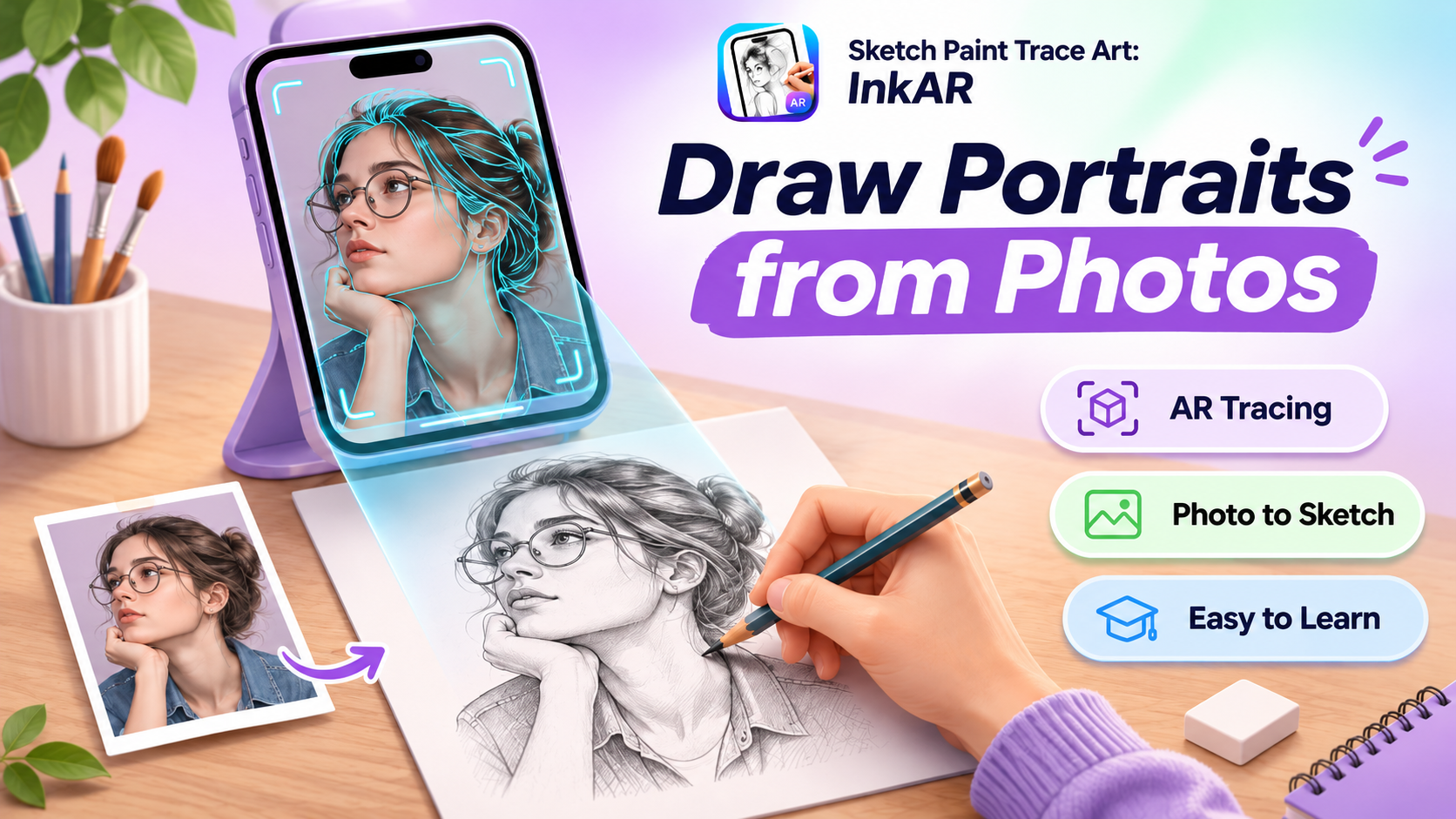
Drawing a realistic portrait can feel difficult, especially when you're trying to capture facial proportions, expressions, and fine details. Even a small mistake in the position of the eyes or nose can change how a portrait looks. Fortunately, you don't need advanced artistic skills to start practicing.
With an AR drawing and tracing app, you can use a reference photo to guide your sketch directly on paper. This approach helps beginners understand facial structure, improve drawing accuracy, and develop confidence.
Sketch Paint Trace Art: InkAR makes portrait drawing more accessible through camera-assisted tracing, photo imports, customizable drawing tools, and augmented reality features.
Choose the Right Photo for Portrait Drawing
A successful portrait begins with a clear reference image. Choose a photograph where the person's facial features are visible and the lighting creates enough contrast to distinguish important details.
For beginners, a front-facing portrait is usually easier to trace than a photograph taken from an unusual angle.
Look for these qualities:
-
Clear visibility of the eyes, nose, lips, and jawline.
-
Balanced lighting without excessive shadows.
-
A simple background that doesn't distract from the face.
-
High-resolution details for easier tracing.
-
Natural expressions with recognizable facial proportions.
Selecting a suitable photo makes the drawing process easier and helps produce a more recognizable portrait.
Turn Your Photo Into a Drawing Reference
Wondering how to trace a portrait from a photo using your iPhone?
Sketch Paint Trace Art: InkAR provides camera-assisted drawing features that help users follow reference images while sketching on paper.
Start by opening the app and selecting a portrait from your photo library.
Position your iPhone above your drawing surface and adjust the reference image within the camera view.
The app's augmented reality tracing functionality helps you align the image with your paper, making it easier to follow facial outlines and important features.
Unlike a physical projector, AR tracing uses the phone's display to guide your hand movements.
For comfortable drawing, keep your device stable using a suitable phone holder.
Build the Portrait From Basic Facial Outlines
Instead of attempting every detail immediately, begin with the larger shapes.
Lightly sketch the head outline, jawline, and general placement of the facial features.
Next, focus on the position of the eyes, nose, mouth, and ears. Compare the spacing between these features with your reference photo.
Using a photo tracing app for beginners can help you observe these proportions more carefully.
Once the basic structure looks accurate, gradually add smaller details such as eyebrows, hair strands, and facial contours.
Avoid pressing your pencil too firmly during the initial tracing stage so corrections remain easy.
Add Shading and Personal Artistic Details
Tracing outlines creates the foundation, but shading gives a portrait depth and dimension.
Observe where light falls on the person's face and identify darker areas around the nose, eyes, cheeks, and hair.
Apply light pencil strokes before building darker tones.
InkAR also includes digital brushes, customizable colors, and virtual canvas tools for experimenting with artistic styles.
You can explore different drawing approaches while learning how outlines, contrast, and shading influence the finished artwork.
Practice Portrait Drawing and Track Your Progress
Developing portrait drawing skills requires consistent practice.
Begin with simple photographs and gradually move toward more detailed references.
Try drawing different facial expressions, head angles, and hairstyles to improve your understanding of portrait proportions.
Sketch Paint Trace Art: InkAR also supports saving and sharing creative projects, allowing users to revisit their artwork and observe improvements.
Its drawing recording functionality can help document the creative process.
Make Portrait Drawing Easier With InkAR
Learning how to draw a face from a photo becomes more approachable when you have a clear reference and practical tracing guidance.
Sketch Paint Trace Art: InkAR combines AR camera drawing, photo tracing, virtual canvas tools, and customizable brushes to support beginners and creative enthusiasts.
Whether you're practicing pencil portraits, tracing family photographs, or exploring new drawing techniques, InkAR provides useful tools to develop your artistic skills.
Start with a favorite photograph, follow its essential outlines, and transform your reference into a personalized hand-drawn portrait.