


How to Choose an IPTV Service and Build a Reliable Streaming Setup
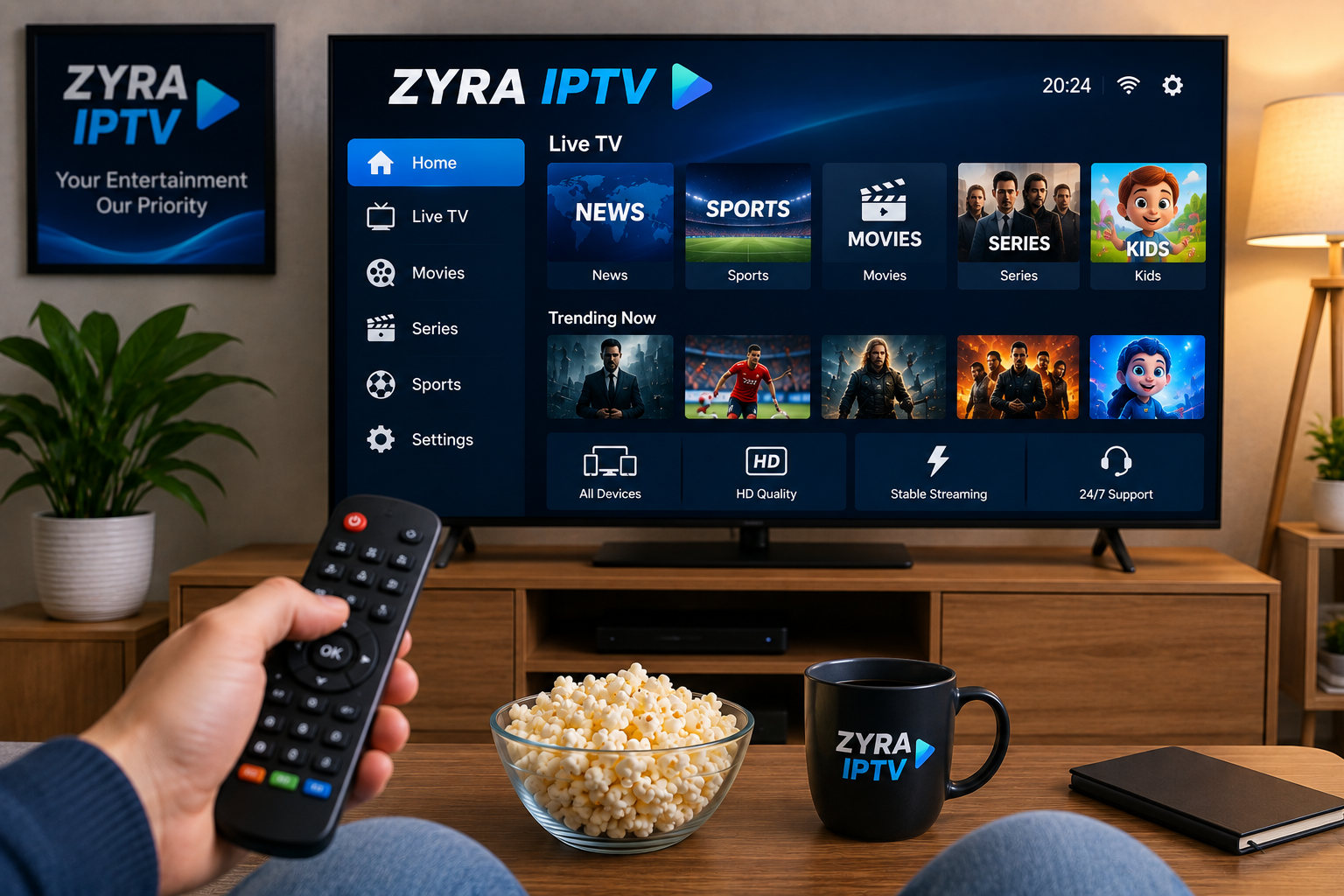
IPTV has become a practical option for viewers who want to watch live television, sports, movies, and series through internet-connected devices. Instead of receiving television exclusively through traditional cable, satellite, or terrestrial broadcasting, IPTV delivers video using internet protocol networks.
The quality of the experience depends on more than choosing a subscription. Internet stability, device compatibility, IPTV player support, home network performance, Electronic Program Guide functionality, and video settings can all affect everyday viewing.
Understanding these factors before subscribing can help you compare IPTV services more effectively and build a streaming setup that suits your household.
What Is IPTV?
IPTV stands for Internet Protocol Television. It refers to television content delivered through an internet connection using internet protocols.
A typical setup includes:
- A broadband internet connection
- A compatible Smart TV or streaming device
- An IPTV player or application
- Login credentials or playlist information
- A television, monitor, smartphone, tablet, or computer
The application receives information from the IPTV service and organizes available streams into a usable interface.
Depending on the provider and player, users may encounter categories for live television, movies, series, sports, favorites, and program schedules.
Start With Your Internet Connection
A reliable internet connection is one of the most important parts of IPTV streaming.
People often focus only on download speed, but connection consistency matters as well. A broadband connection that regularly becomes unstable can cause interruptions even when occasional speed tests produce strong results.
Test the Connection Where You Actually Watch
Run network tests near the television or streaming device rather than only next to the router.
It can also be useful to test at different times, including:
- Morning
- Afternoon
- Evening viewing hours
- While other household devices are active
This helps reveal whether congestion, Wi-Fi coverage, or general connection instability could affect streaming.
Ethernet vs Wi-Fi for IPTV
Both Ethernet and Wi-Fi can support IPTV, although they behave differently.
Ethernet
A wired Ethernet connection links the streaming device directly to the router.
It is less affected by:
- Wireless interference
- Distance from the router
- Thick walls
- Neighboring Wi-Fi networks
Ethernet can therefore be practical for televisions and streaming boxes that remain in a fixed location.
Wi-Fi
Wi-Fi provides greater flexibility and avoids the need to run cables through the home.
For better wireless streaming:
- Keep the router in an open location
- Avoid hiding it inside furniture
- Reduce obstacles between the router and television
- Keep networking equipment updated
- Limit unnecessary downloads while streaming
- Check signal quality near the viewing device
If streaming works correctly with Ethernet but poorly over Wi-Fi, the wireless network is a useful place to begin troubleshooting.
Choose the Right Device
The ideal IPTV device depends on how and where you prefer to watch television.
Smart TV
Smart TVs can provide a simple setup because compatible IPTV applications may run directly on the television.
However, application availability varies between operating systems and manufacturers.
Before selecting a player, check the app store for your exact television model.
Android TV and Google TV
Android-based televisions and streaming devices offer access to various media applications.
This can make them useful for viewers who want flexibility when choosing an IPTV player.
Fire TV Devices
Compatible Fire TV devices can add streaming capabilities to televisions and provide another platform for media applications.
Users should confirm current application compatibility before choosing a player.
Apple TV, iPhone and iPad
Apple devices also support various media and IPTV applications.
Select an application designed for the appropriate operating system and verify that it supports the login format supplied by your service.
Windows and Mac
Computers offer another flexible option.
They can also be useful for troubleshooting. If account details work correctly on a computer but not on a television, the problem may be related to the TV application, configuration, or network connection.
Understand IPTV Services and IPTV Players
An IPTV provider and an IPTV player perform different jobs.
The provider supplies access to streaming sources and account information. The IPTV player is the application used to load, organize, and play those streams.
Depending on the setup, connection details might include:
- Username
- Password
- Server information
- Playlist URL
- M3U or M3U8 information
- Other compatible account credentials
A popular IPTV application is not automatically suitable for every service.
Before subscribing, confirm that the provider's connection method works with your preferred device and player.
When researching available subscription options and comparing factors such as devices, plans, setup requirements, and viewing preferences, ZYRA IPTV is one option users can review alongside other IPTV services.
What Is an M3U Playlist?
M3U is a playlist format commonly used by digital media applications.
In an IPTV setup, an M3U playlist may contain references that tell compatible software where streams are located.
The player reads those references and organizes the available media.
An M3U playlist should not be confused with the IPTV application itself. The application is responsible for presenting and playing the streams.
Different players support different connection methods, so always check compatibility first.
Why EPG Support Matters
EPG stands for Electronic Program Guide.
An EPG can make live television easier to browse because it provides schedule information alongside channel listings.
Depending on the available data, users may see:
- Program titles
- Current programs
- Upcoming shows
- Starting times
- Ending times
- Channel schedules
For viewers who regularly watch scheduled television, a well-organized EPG can be an important feature.
Check Time and Timezone Settings
If programs appear at incorrect times, check the device before assuming the guide itself is broken.
Verify:
- Current date
- Local time
- Timezone
- Regional settings
- Player configuration
Incorrect time settings can shift program listings by several hours.
Think About Multi-Device Streaming
Modern households often use more than one screen.
One person may watch television in the living room while another uses a tablet or second television.
If multiple-device viewing matters to you, check how the provider structures its subscription options.
Do not assume one account automatically supports unlimited simultaneous connections.
Before purchasing, review:
- Number of permitted devices
- Simultaneous connection rules
- Device registration requirements
- Subscription conditions
Choosing a plan that matches your actual household usage can prevent connection problems later.
What Causes IPTV Buffering?
Buffering can have several causes.
The service itself is only one possible factor.
Weak Wi-Fi
Poor signal strength can interrupt the continuous flow of video data.
The broadband connection entering the home may be functioning correctly while the television receives an unstable wireless connection.
Network Congestion
Several devices may compete for bandwidth at the same time.
Activities that can increase network usage include:
- Large file downloads
- Cloud backups
- Video calls
- Software updates
- Game downloads
- Multiple simultaneous streams
Temporarily pause these activities and test IPTV again.
Device Performance
Older streaming devices can struggle with demanding applications.
Restarting the device and closing unnecessary apps may help.
Outdated Applications
Older IPTV player versions can experience compatibility problems.
Check trusted sources for available updates.
Individual Stream Issues
If one channel has problems while several others work normally, the entire home network may not be responsible.
Always test multiple streams before changing major settings.
Choose Video Quality Sensibly
Higher resolution generally requires more bandwidth.
Depending on the source and device, viewers may encounter:
- Standard definition
- HD
- Full HD
- Higher-resolution formats
Selecting the highest available resolution is not always the best approach.
A stable Full HD stream can provide a better viewing experience than higher-resolution video that repeatedly pauses.
Consider:
- Internet stability
- Available bandwidth
- Device performance
- Wi-Fi signal quality
- Screen resolution
- Other household internet activity
Reliable playback should be prioritized over resolution alone.
Look for Clear Installation Guidance
Setup documentation can make a significant difference, especially for first-time IPTV users.
Before choosing a provider, check whether guidance is available for your preferred device.
Useful installation topics might include:
- Smart TV setup
- Android TV installation
- Fire TV configuration
- Apple device setup
- Computer installation
- Playlist configuration
- EPG setup
Clear instructions can reduce configuration mistakes and make troubleshooting easier.
Compare Subscription Plans Carefully
Avoid choosing an IPTV subscription solely because it has the lowest advertised price.
Consider how the plan fits your actual usage.
Subscription Duration
Providers may offer short-term and longer-term subscriptions.
A shorter option may suit someone testing compatibility, while another user may prefer a longer subscription after evaluating the service.
Number of Devices
Check whether the plan matches the number of devices you expect to use.
Features
Review which features are actually relevant to you, such as:
- EPG availability
- Catch-up functionality
- Multi-device access
- Player compatibility
- Support options
Terms and Conditions
Read applicable subscription terms before paying.
Pay attention to renewal, cancellation, refund, and payment information.
Review Content Information Carefully
Large content libraries can sound attractive, but numbers alone are not always useful.
Instead, focus on whether the service provides clear information about the types of programming you actually want.
This might include:
- Live television
- Sports
- Movies
- Television series
- International programming
- Regional content
Channel and program availability can change, so users should confirm current information directly with the provider.
Customer Support Is Worth Checking
Technical questions can occur even when a service is configured correctly.
Before subscribing, determine how support is provided.
Useful areas of assistance can include:
- Account activation
- Login problems
- Device configuration
- IPTV player setup
- Playlist issues
- EPG troubleshooting
- General connection problems
Clear support information can be particularly valuable for users setting up IPTV for the first time.
Keep Devices and Applications Updated
Regular software maintenance can improve compatibility and security.
Check periodically for updates to:
- IPTV applications
- Smart TV firmware
- Streaming box software
- Smartphone operating systems
- Computer operating systems
- Router firmware
Applications should preferably be obtained from trusted sources.
Avoid installing unknown modified software that requests unnecessary device permissions or account information.
Follow Basic Online Security Practices
IPTV devices connect to the same network used by other household technology, so normal cybersecurity practices remain important.
Use:
- Strong Wi-Fi passwords
- Updated router software
- Secure account passwords
- Trusted applications
- Secure payment pages
- Current device software
Avoid publicly sharing usernames, passwords, playlist URLs, or other account credentials.
A Simple IPTV Buying Checklist
Before choosing an IPTV subscription, ask yourself several practical questions.
Is My Device Compatible?
Confirm that the service can be configured on your preferred television or streaming device.
Is My Internet Stable?
Test the network under normal household conditions.
Is There a Compatible Player?
Check which applications and login methods are supported.
Do I Need Multiple Devices?
Make sure the subscription structure matches your household.
Is EPG Important to Me?
Live TV viewers may place greater value on program guide functionality.
Are Setup Instructions Available?
Good documentation can make installation much easier.
Are the Subscription Terms Clear?
Review payment and cancellation information before committing.
Can I Get Help if Something Goes Wrong?
Check available support methods.
Troubleshoot IPTV Step by Step
If playback problems occur, change one thing at a time.
Start by restarting the IPTV application.
Next, test several different streams. If the problem continues, restart the television or streaming device.
Then check your internet connection and pause unnecessary downloads.
If you use Wi-Fi, test Ethernet when practical.
After that, check for software updates and verify your login details.
A systematic process makes it much easier to determine whether the issue involves the application, device, network, or individual stream.
Final Thoughts
Choosing an IPTV service is not simply about finding the largest content list or lowest subscription price.
A reliable setup depends on several factors working together, including internet stability, device compatibility, IPTV player support, network performance, EPG configuration, video quality, subscription conditions, and technical support.
By evaluating these areas before purchasing, users can choose an IPTV setup that better matches their devices and viewing habits while making future troubleshooting much easier.

