


Why E-Invoice Rejection in the UAE Happens and How to Prevent It
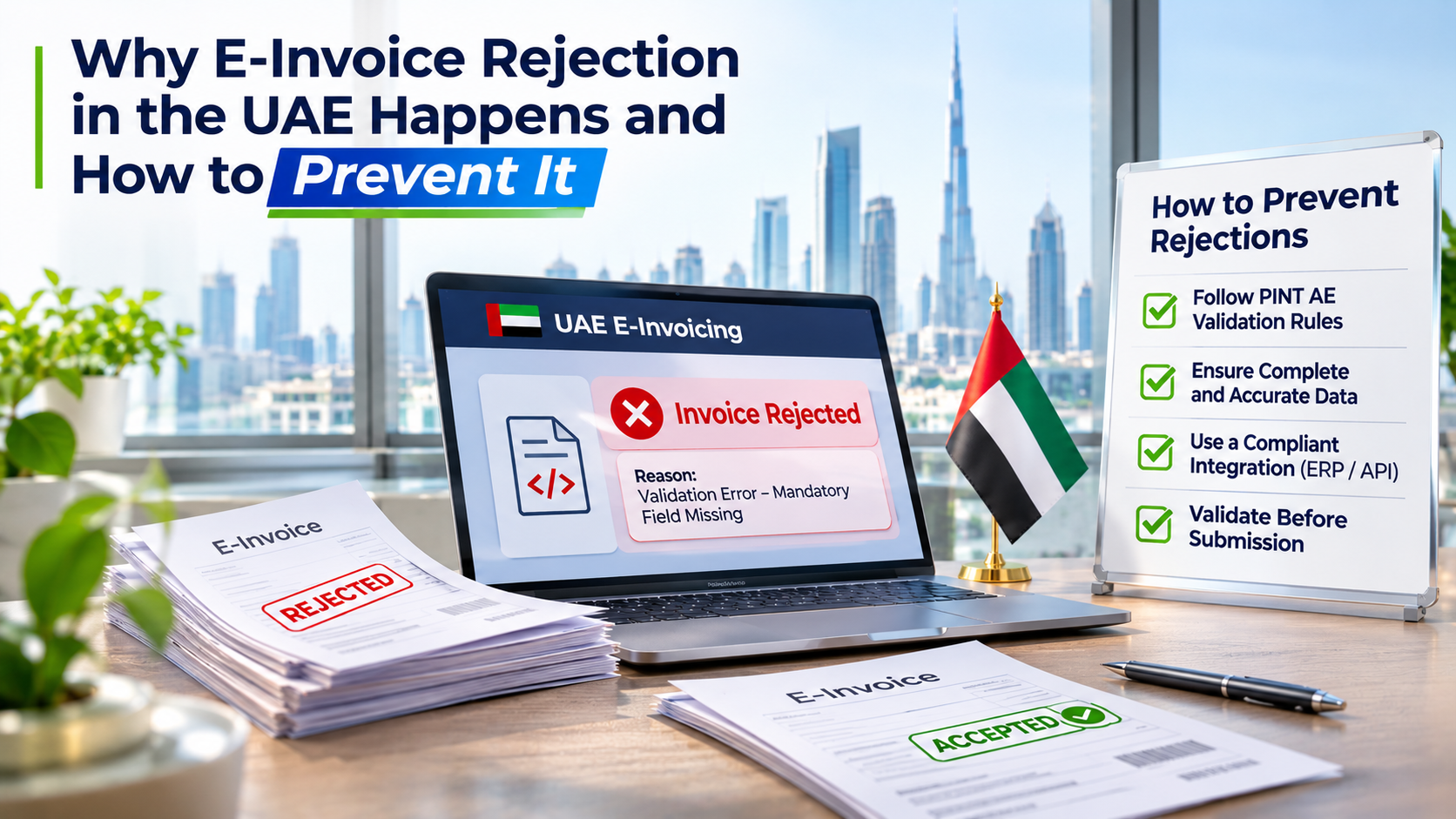
An invoice rejection can create more work than the original billing process. The accounts team may need to investigate the error, contact the technical team, correct the information and process the invoice again. If the same issue affects multiple transactions, it can slow down the entire billing cycle.
For businesses preparing for the UAE e-invoicing framework, understanding e-invoice rejection uae is therefore important. A rejected invoice is often a sign that something in the data, system configuration or exchange process needs attention.
The useful question is not simply why one invoice failed. It is how to stop the same problem from affecting the next hundred invoices.
Where Can an E-Invoice Rejection Occur?
An electronic invoice passes through several stages before the exchange process is complete. Information is generated by the supplier's business system, prepared in the required structured format, checked by the supplier's ASP and exchanged with the buyer's ASP.
A problem at any of these stages can affect processing.
For example:
-
The ERP may generate incomplete invoice information.
-
The integration may transfer a value into the wrong data field.
-
The structured invoice may not satisfy an applicable validation rule.
-
The buyer's ASP may return a negative exchange status.
These situations have different causes. Treating all of them as a general invoice rejection makes troubleshooting harder.
Businesses should identify the stage where the problem occurred before deciding what needs to be corrected.
Six Reasons UAE E-Invoices May Be Rejected
1. Incomplete Customer and Supplier Records
Invoice information often comes directly from customer and supplier master records. If those records contain missing or outdated details, the same problem can appear across multiple invoices.
For instance, a business may have a customer's name and address but lack another identification detail required for the relevant transaction.
How to prevent it: Review customer and supplier records before implementation. Identify missing information, standardise data-entry practices and assign responsibility for maintaining master records.
2. Incorrect VAT Configuration
Tax settings can create problems when the invoice does not represent the actual VAT treatment correctly.
This may happen when:
-
The wrong tax category is assigned to an invoice line.
-
A VAT rate is applied incorrectly.
-
The taxable amount does not match the transaction.
-
The tax breakdown does not reconcile with the invoice totals.
How to prevent it: Review tax configurations against the business's actual transaction types. Test different VAT scenarios rather than relying on a single standard invoice.
3. Invoice Calculations Do Not Match
A structured invoice contains individual line values, tax amounts and document totals. These values must be consistent under the applicable calculation rules.
Consider a business that generates an invoice in its ERP and then transfers the information through an integration layer. If the two systems handle decimal precision or rounding differently, the final totals may not match.
How to prevent it: Compare the original ERP invoice with the generated electronic invoice. Check line amounts, discounts, charges, VAT breakdowns and final totals.
4. Incorrect Document Type or Invoice Reference
Credit notes and other document types have their own requirements. Problems can occur when the wrong document type is selected or a required reference is missing or incorrect.
For example, a credit note that relates to an earlier invoice may need to carry the appropriate reference to that original document.
How to prevent it: Review document-type settings and reference-handling procedures. Include credit notes and other relevant document scenarios in testing.
5. Data Format and Code Errors
Information can be correct in the ERP but incorrectly represented in the structured invoice.
Examples include invalid date formats, unsupported code values, incorrectly formatted identifiers or information placed in an unsuitable field.
These errors can be difficult to spot by looking at a conventional invoice document because the issue exists in the underlying data.
How to prevent it: Validate the generated structured invoice against the applicable technical and business rules. Review error messages at field level so that the team can identify the exact issue.
6. Integration and Communication Problems
Sometimes the invoice data is prepared correctly, but the systems responsible for transferring it do not handle the process as expected.
A failed connection, incomplete response handling or incorrect configuration can interrupt the invoice exchange workflow.
How to prevent it: Review integration logs, monitor transaction responses and establish a process for identifying failed submissions. Technical teams should be able to trace an invoice from its source system through the exchange process.
Why Integration Quality Matters for Rejection Prevention
A business may use an ERP for accounting, a separate application for billing and an ASP for electronic invoice exchange. Each system has to pass the relevant information to the next stage correctly.
This is where Peppol integration becomes relevant. The integration must support the structured invoice exchange process and ensure that the required information and transaction responses are handled correctly.
Businesses should pay attention to three areas:
-
Data transfer: Invoice information should reach the integration layer without missing or altered values.
-
Validation responses: The system should capture and make relevant error messages and statuses available.
-
Transaction tracking: Teams should be able to identify whether an invoice was prepared, submitted, exchanged or returned with an error.
An integration should not be considered complete simply because it can send invoice data. It also needs to support visibility into what happens after submission.
What Should Businesses Do When an Invoice Is Rejected?
A clear response process prevents teams from making random changes or submitting the same incorrect invoice repeatedly.
| Step | Action | Purpose |
|---|---|---|
| 1 | Check the returned error or status | Identify where processing failed |
| 2 | Locate the affected field or rule | Understand the actual problem |
| 3 | Trace the value to its source | Find whether the issue is in the ERP, master data or integration |
| 4 | Correct the underlying information | Prevent the same error from recurring |
| 5 | Generate and validate the corrected invoice | Check that the issue has been resolved |
| 6 | Review the final exchange status | Confirm the outcome of processing |
Businesses should also maintain a record of recurring errors. If the same customer identification or VAT configuration issue appears repeatedly, it should be addressed at the source rather than corrected separately on every invoice.
Build Prevention Into the Invoice Process
Preventing e-invoice rejection requires attention before an invoice is submitted. Businesses should review their master data, check tax settings, test document scenarios and monitor the responses returned during electronic exchange.
A practical prevention plan can include:
-
Regular reviews of customer and supplier information
-
Checks on VAT and invoice calculation settings
-
Testing of invoices, credit notes and relevant transaction types
-
Validation of structured invoice output
-
Monitoring of integration failures and exchange statuses
-
A documented process for investigating recurring errors
These checks should become part of normal invoice operations rather than being performed only when something goes wrong.
Reduce Repeated E-Invoice Rejections
A rejected invoice should provide useful information about what needs to be corrected. The challenge is turning that information into a lasting improvement.
When businesses trace errors to their source, they can fix problems in master data, tax configuration, document handling or system integration. This reduces repeated corrections and gives teams a clearer view of their invoice processing activities.
For UAE businesses preparing for electronic invoicing, the goal should be to create a process that produces accurate structured invoices and makes exceptions easy to investigate. Preventing recurring errors is more effective than relying on manual corrections after every rejection.